Light, shadows, atmosphere
Ray tracing adds depth to the places you build, from sunlit courtyards to the shadows around a corner.


See the games you create in a whole new light.
Bring your Zimension games to Windows with RTX on. Experience ray-traced lighting, shadows and reflections in the places you build.
A visual preview, still in progress. Many gameplay features do not work yet or may behave differently from the browser player.
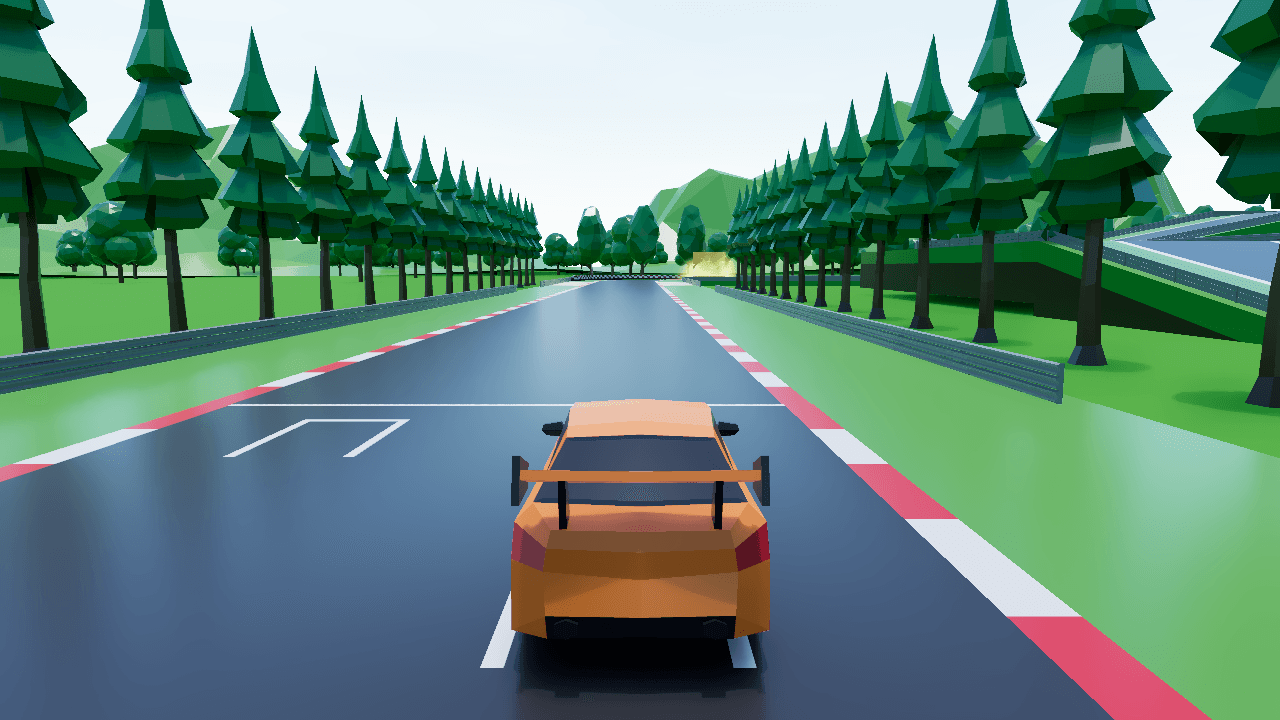
Race tracks, ancient temples and canyon towns. See real Zimension games running with RTX on. Screenshots captured in the Windows preview; results vary by game and PC.
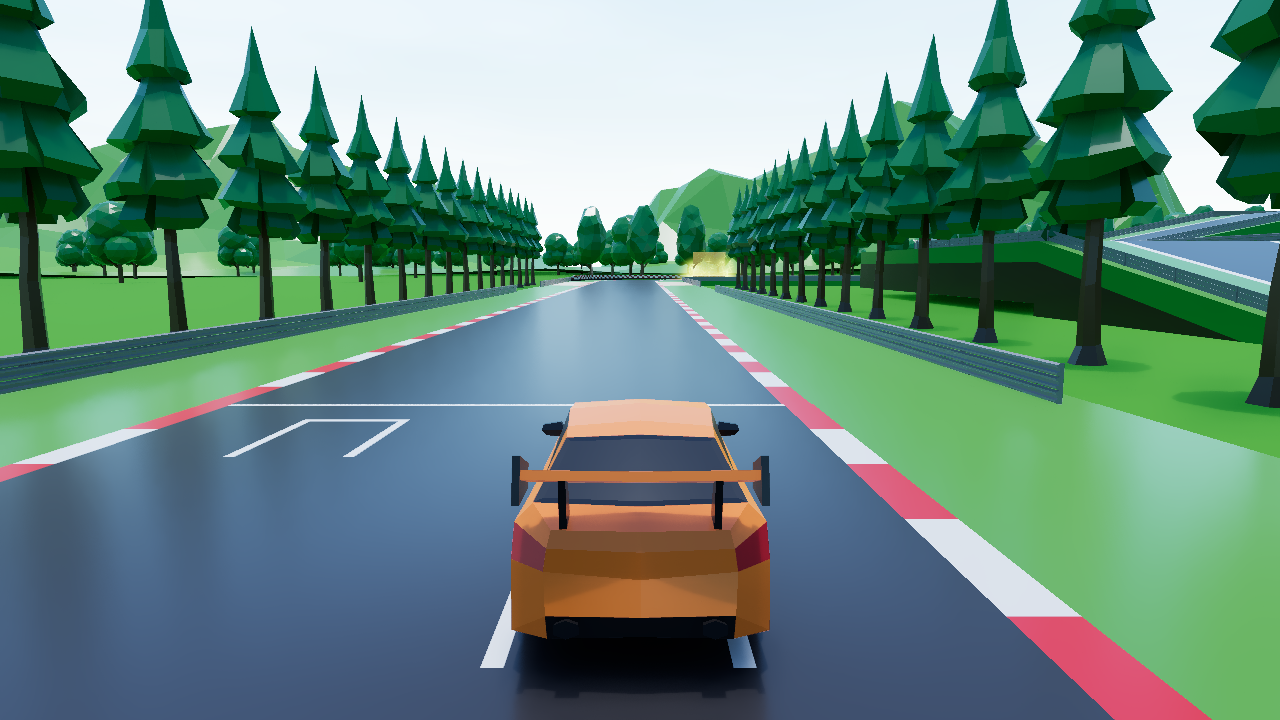
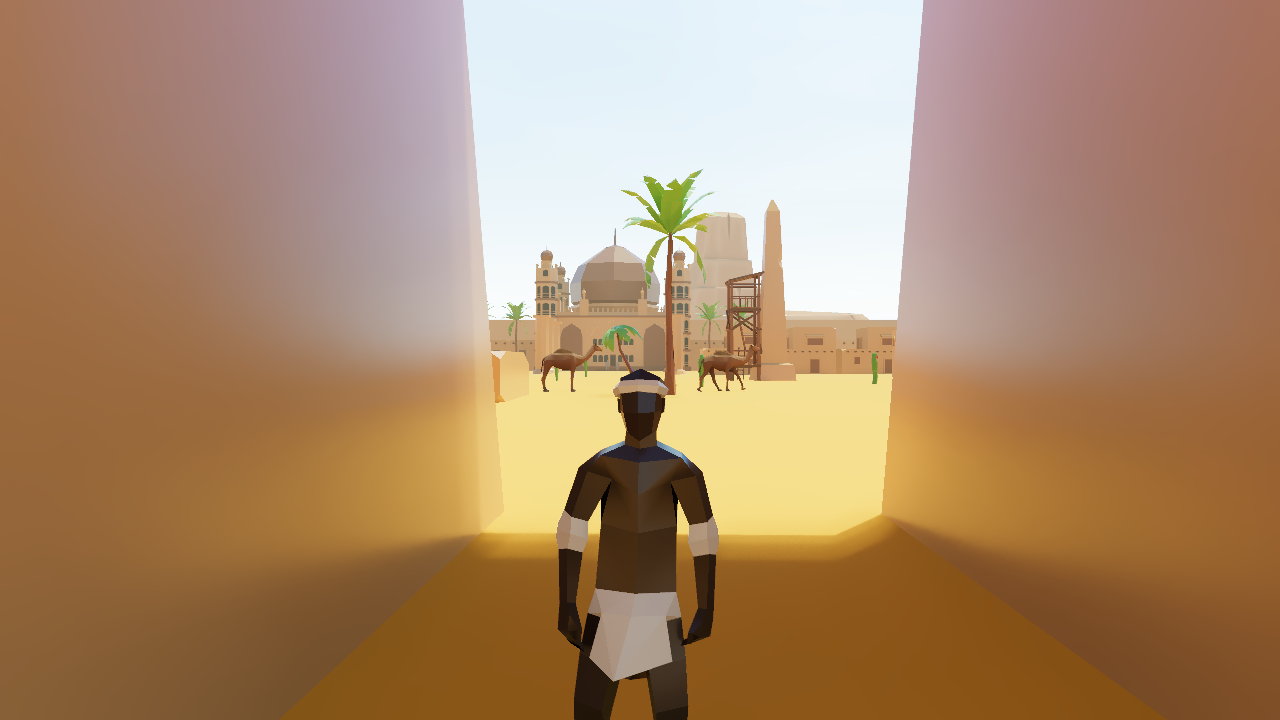
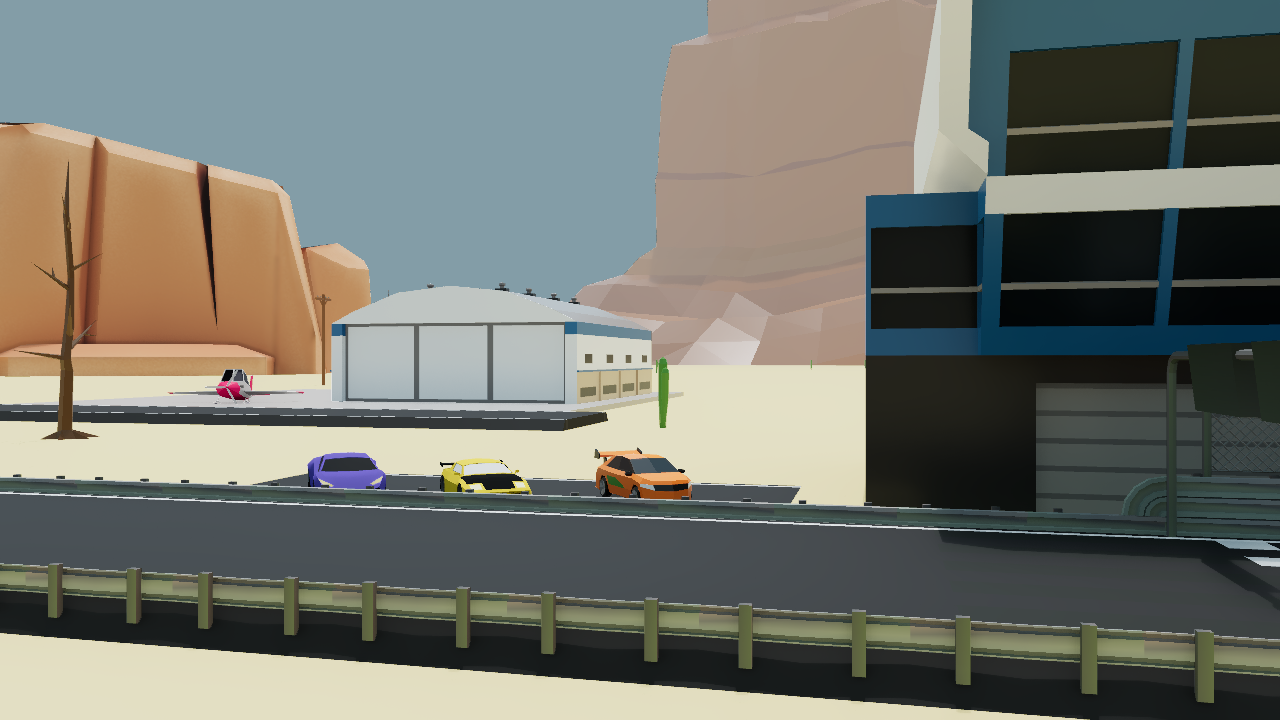
Ray tracing adds depth to the places you build, from sunlit courtyards to the shadows around a corner.
See the light play across cars, buildings and surfaces as you explore your games with RTX on.
Turn RTX on or off, choose your quality and pick a resolution. Press Escape to find the look that works for you.
Create and publish in Zimension, then open your games in the Windows player to see them with RTX on.
Unzip the folder before opening the player.
Run zimension-player.exe with its assets and shaders in the same folder.
Browse the library, or press Ctrl + L to paste a public published play link.
No. This is an experimental visual preview, not a replacement for the browser player or editor. Many gameplay features are incomplete, unsupported, or may behave differently. Use the browser player for the regular Zimension experience.
A 64-bit Windows PC with a ray-tracing-capable graphics card, such as an NVIDIA GeForce RTX GPU. An internet connection is needed to load published games. The screenshots on this page were captured on an NVIDIA GeForce RTX 3060 Laptop GPU; results and compatibility vary by system.
Publish your game in Zimension, launch the native player, and choose a public game from the library. You can also press Ctrl+L and paste a published Zimension play link. Private or subscription-restricted content may not load.
Yes. Press Escape and open Graphics settings to turn RTX lighting on or off, choose Low, Medium or High quality, and pick a resolution for your PC. A ray-tracing-capable graphics card is required even with RTX lighting turned off.
No. The download is a portable Windows player. Extract the ZIP and run zimension-player.exe from the extracted folder, keeping its assets and shaders beside it. Create and edit your games in the Zimension browser editor.
Found something that does not work?
Send us the game link and your PC detailsZimension AI
Docs assistant
How can I help?
Ask anything about Zimension docs
AI may make mistakes. Always verify with official docs.