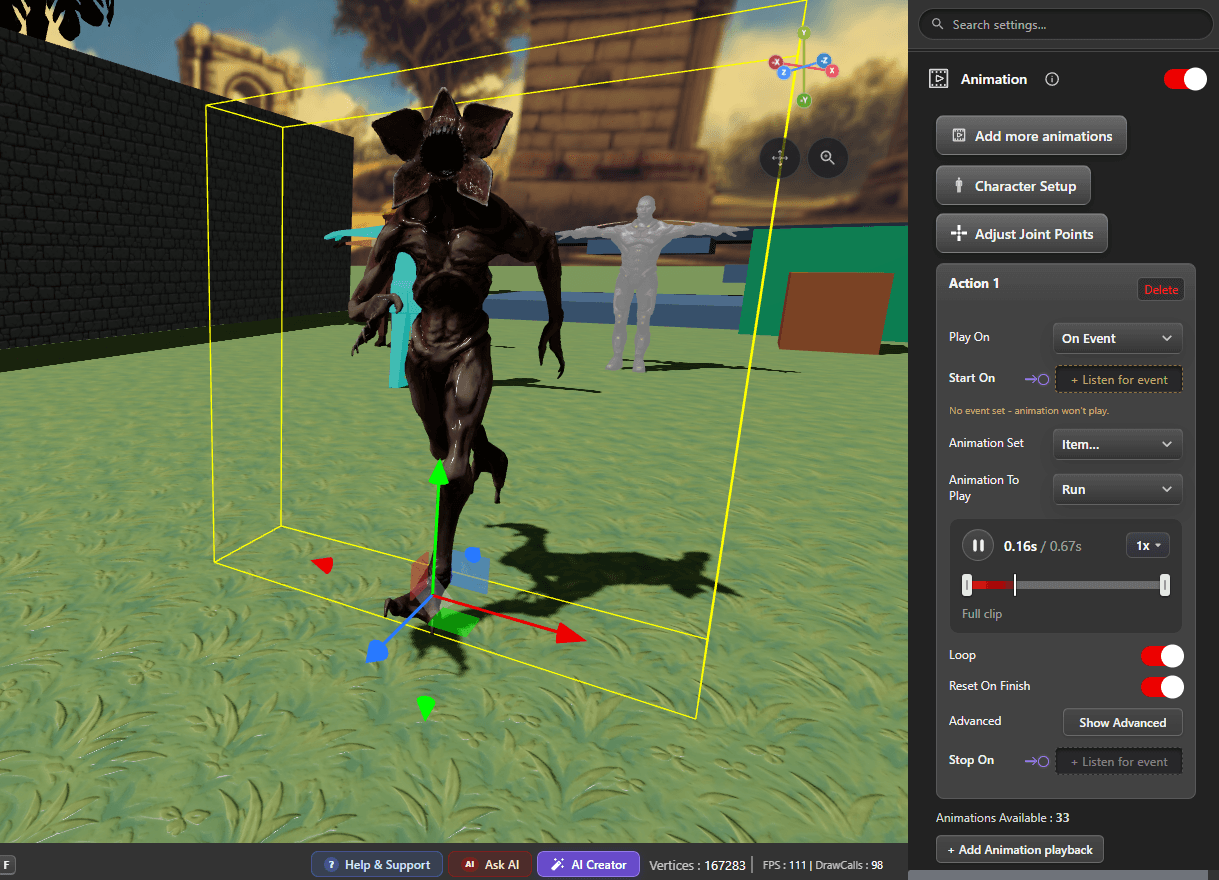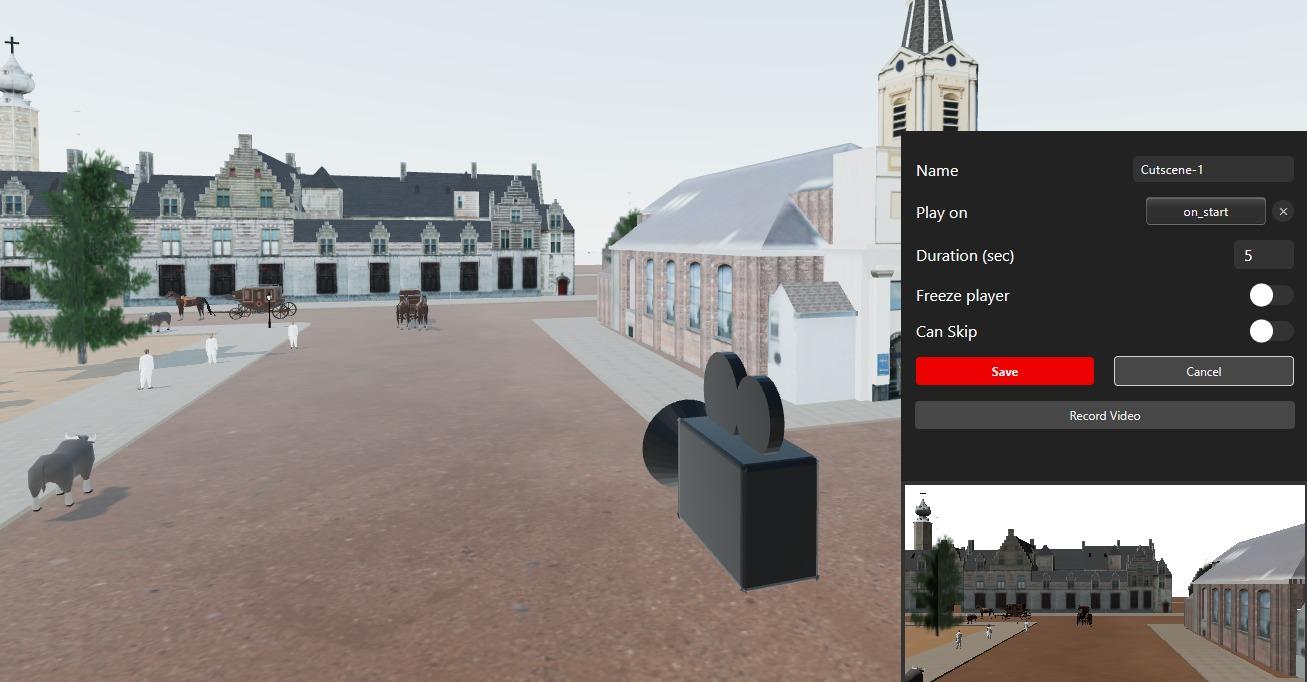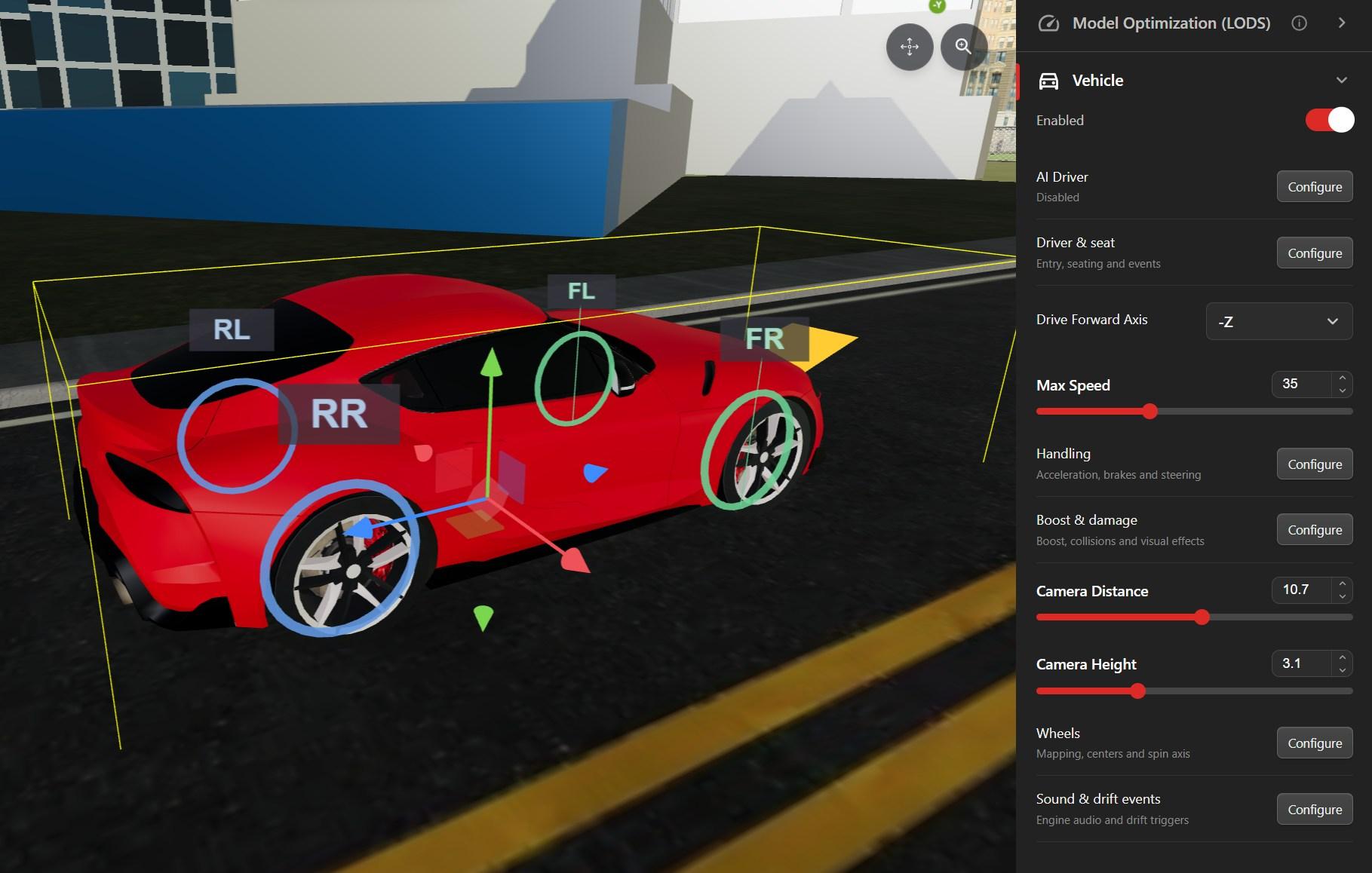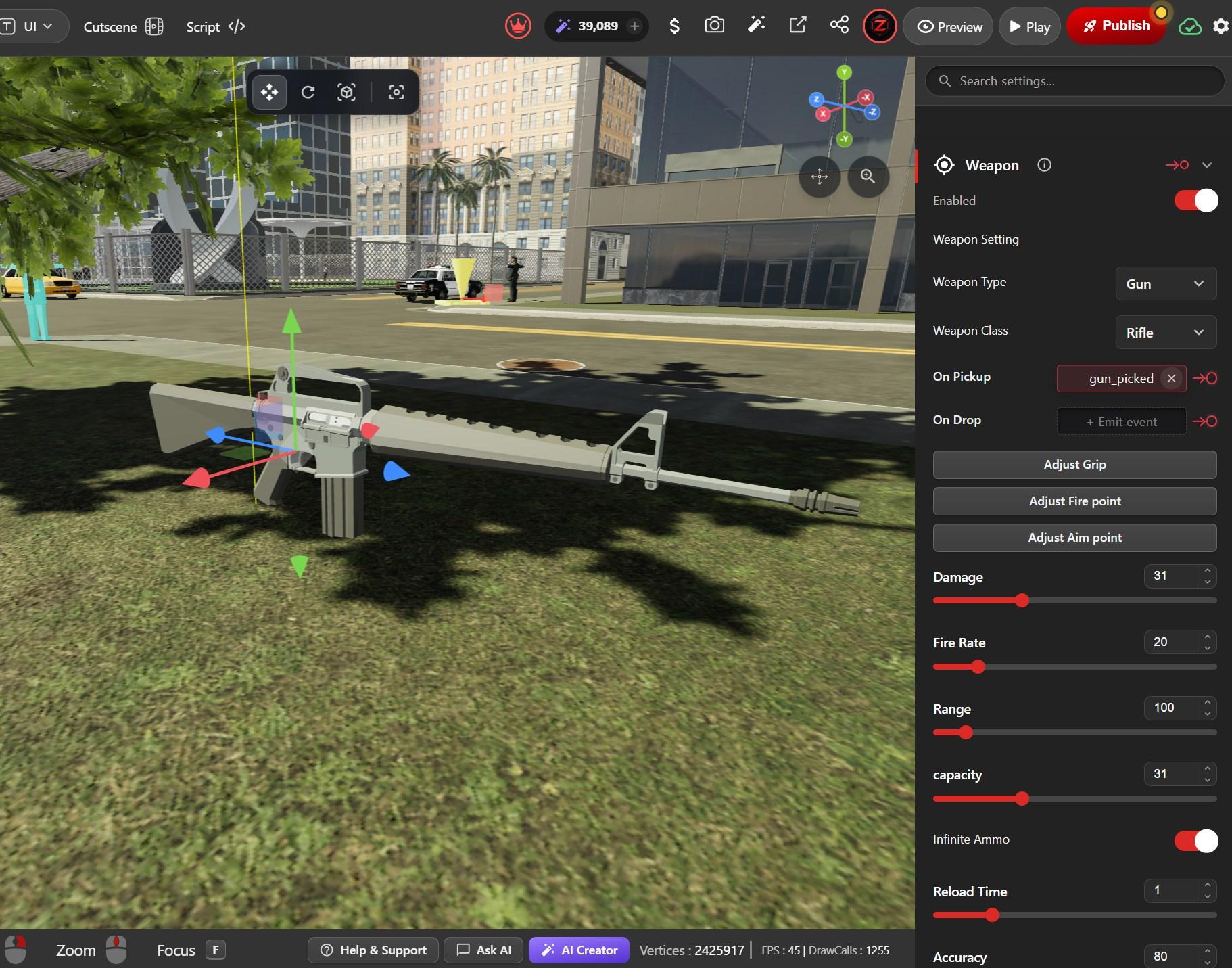



Browser-Based 3D Game Engine

Build Playable 3D Games in Your Browser

Create scenes, gameplay, UI and visual logic without setting up a traditional game engine. Publish instantly and play across desktop, mobile and VR.

  • Visual Logic
  • No Install
  • Publish with a Link
  • Desktop / Mobile / VR
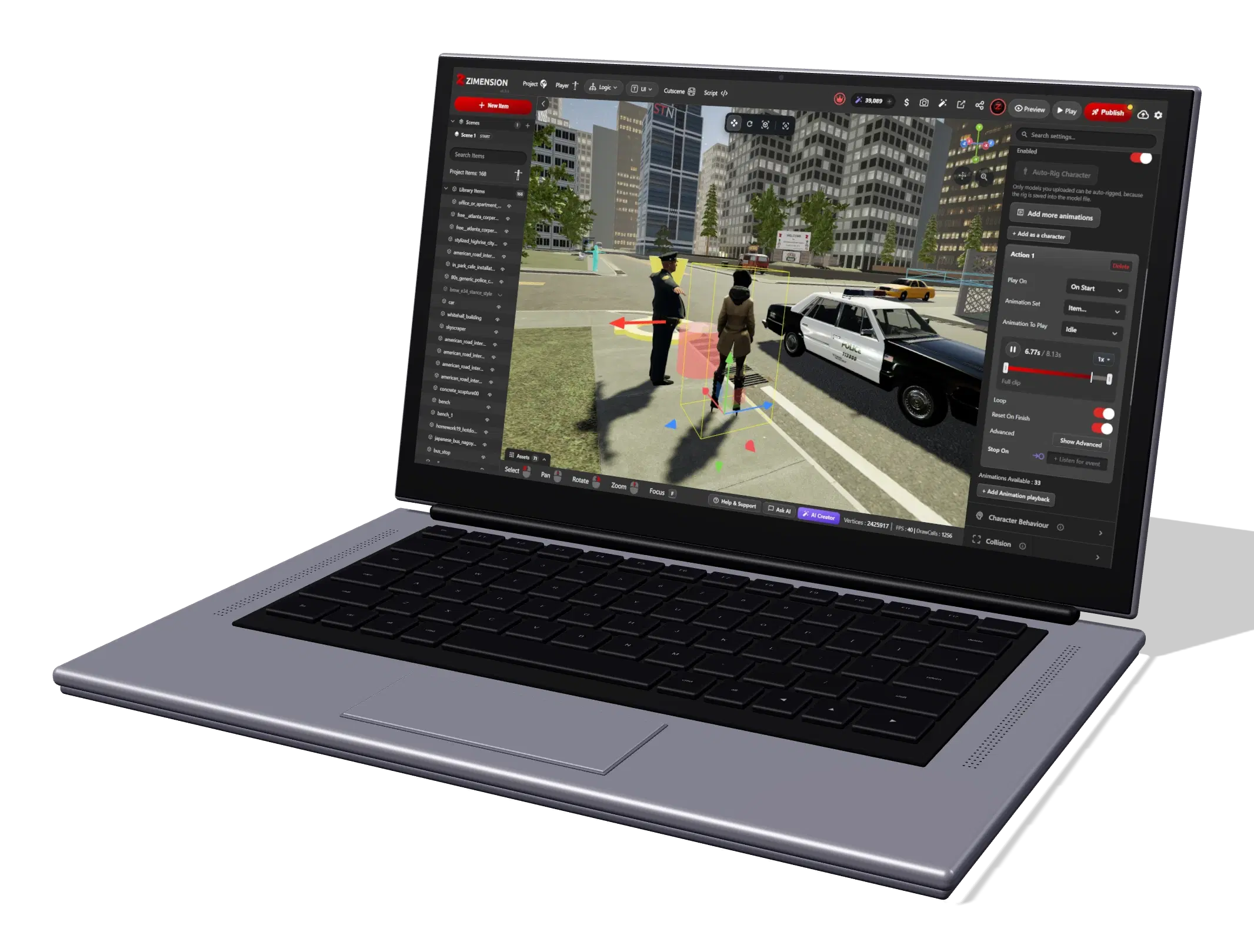
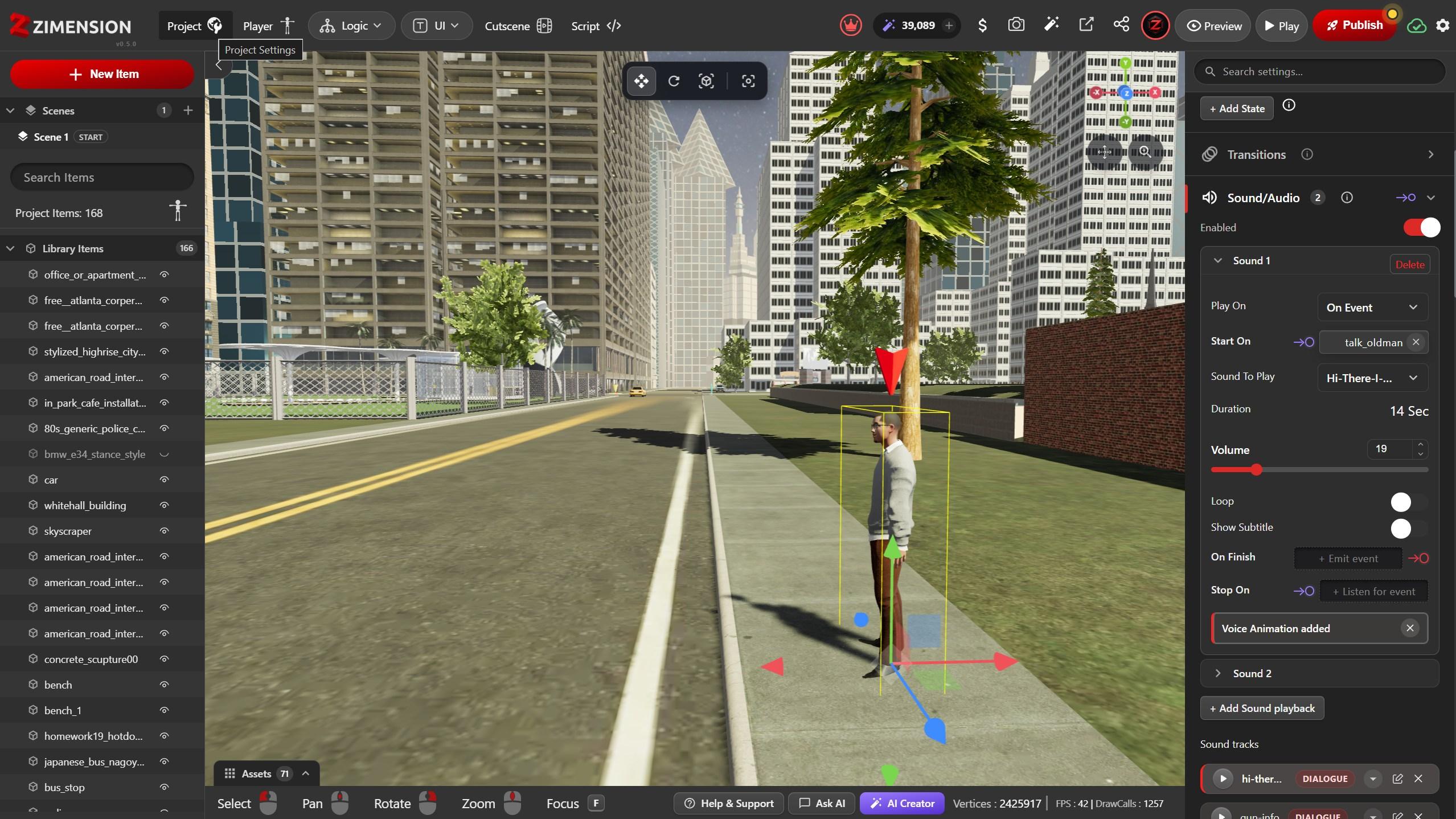
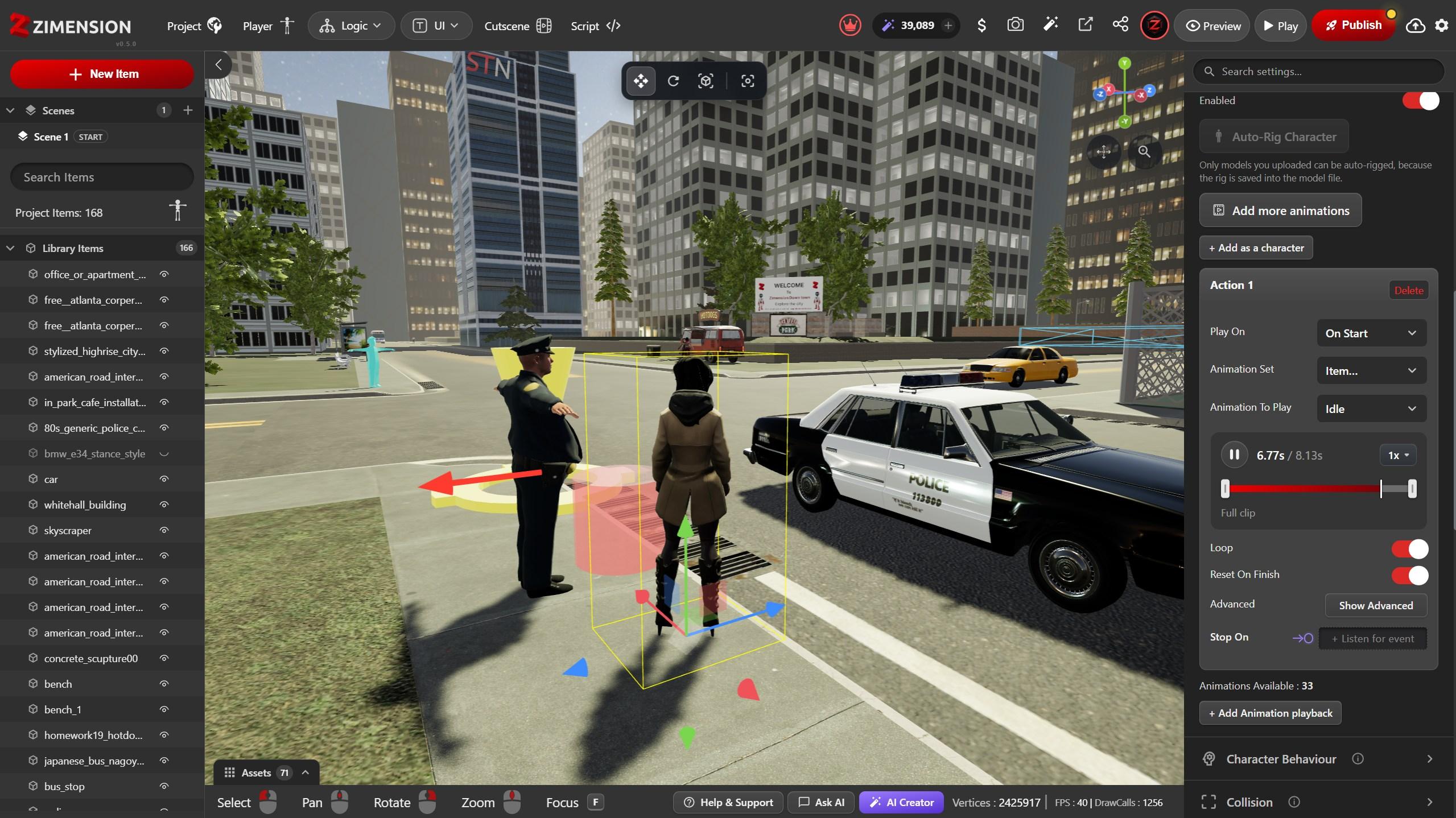
Zimension open on a laptop. The Zimension editor in a browser: a city street with a police officer, a pedestrian and a police car in the viewport, the item list on the left and the selected character's animation settings on the right
Create anywhere. The same editor, right in your browser.
2,400+creators
3,100+projects created
No installationruns in a modern browser
Publish with a linkno store or packaging step

Made with Zimension

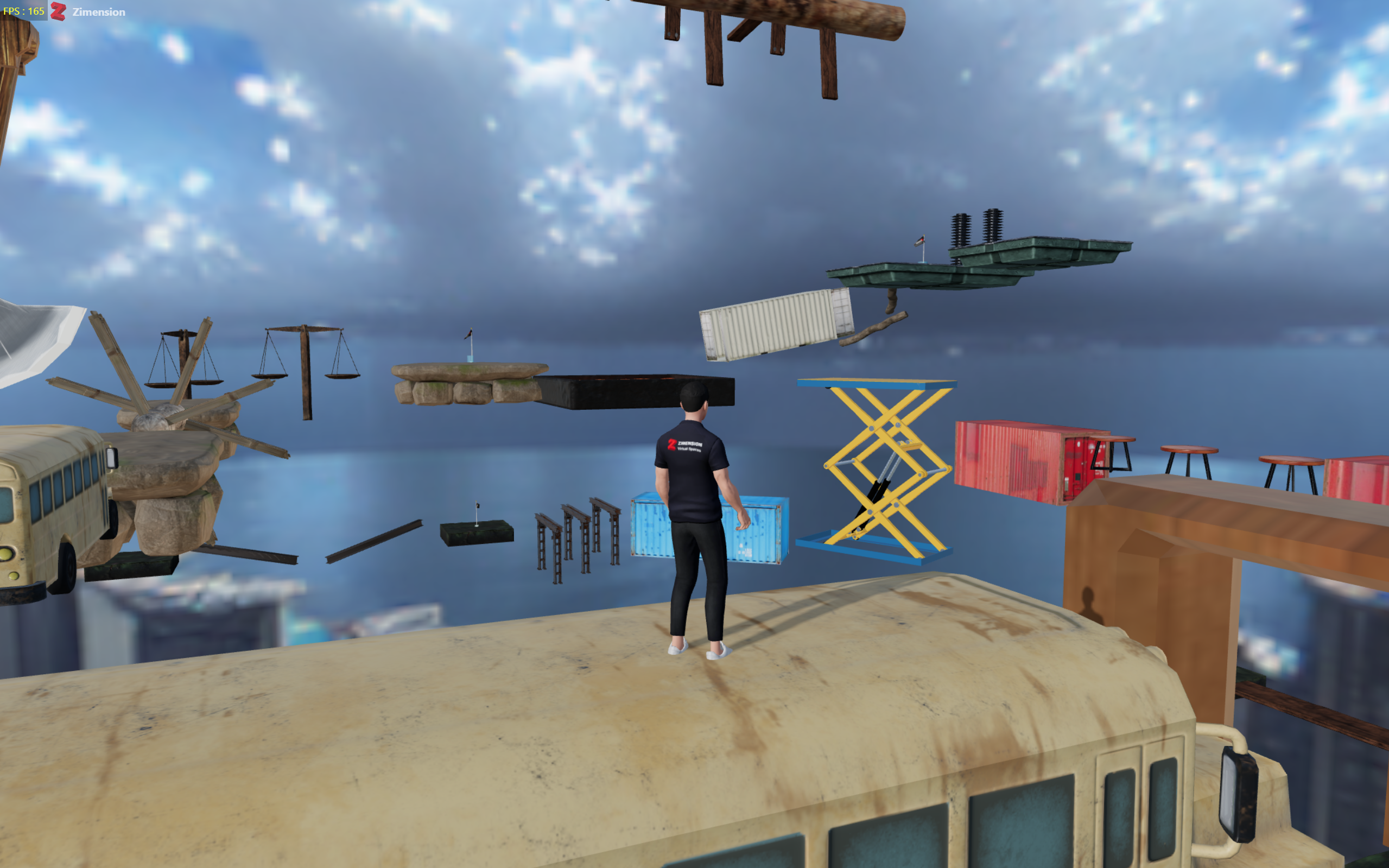
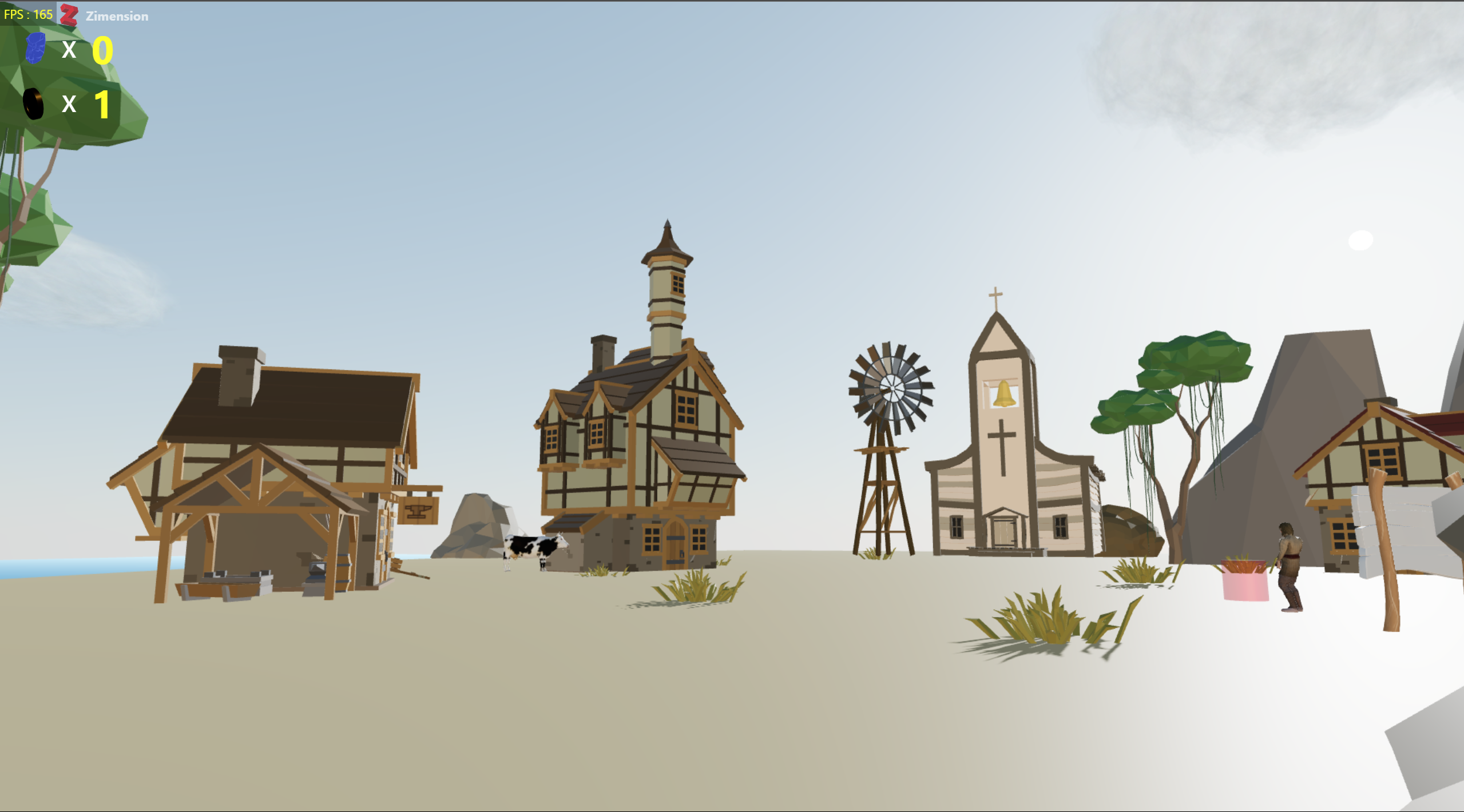
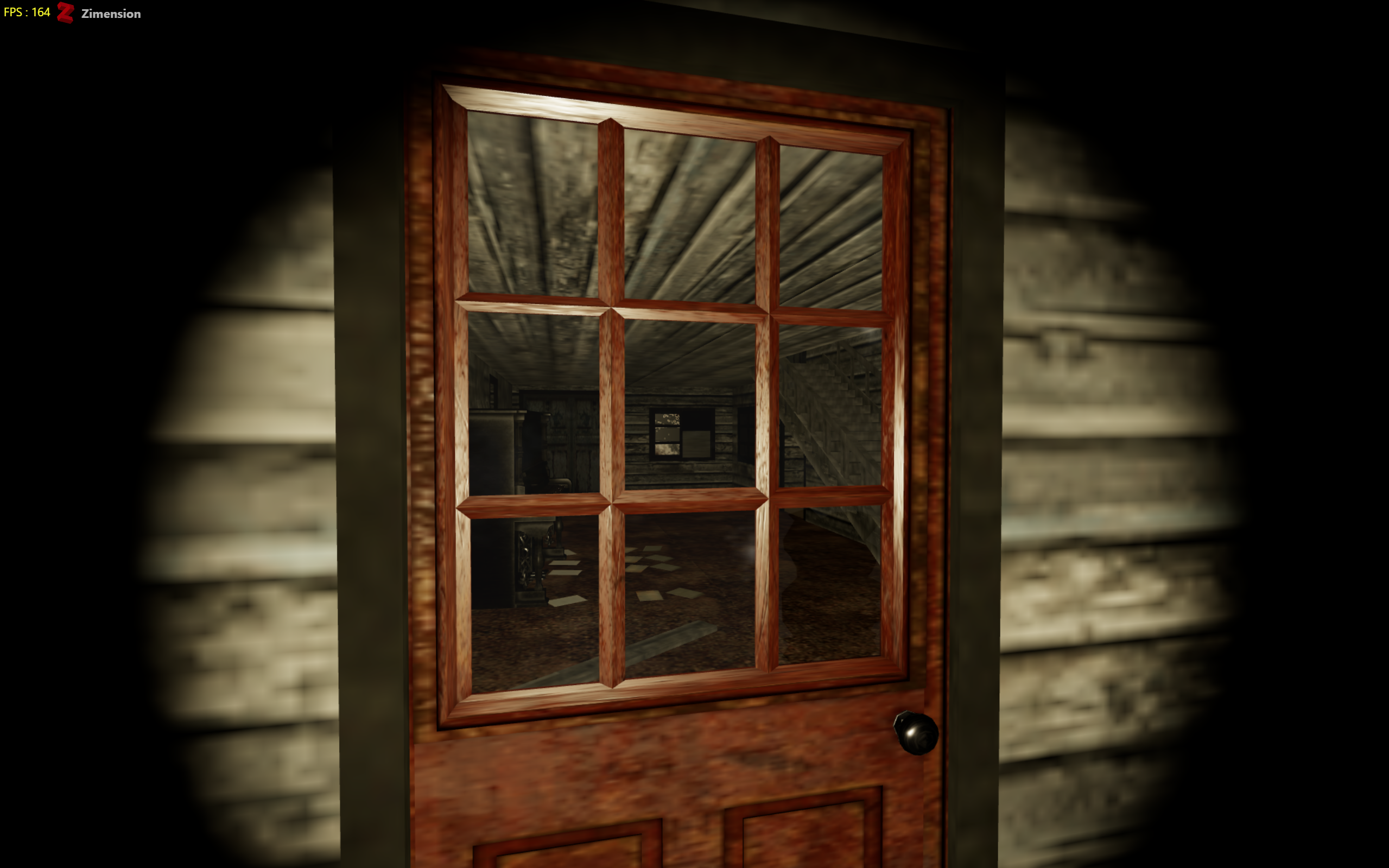
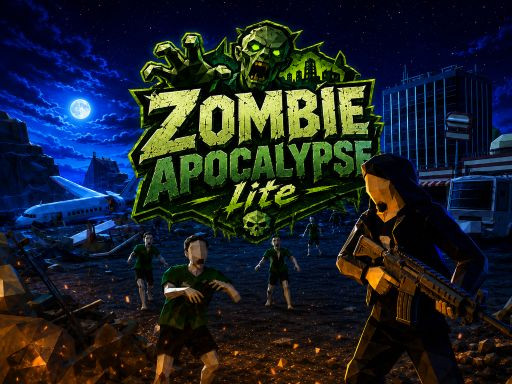
Games and interactive worlds built and published by creators. Each one opens in the browser.

Browse all games
Live · CommunityFeatured

Out of the Trap!

by Agastya
2580

How it works

From Empty Scene to Playable Game

A simple visual workflow from idea to published experience.

  1. 01

    Build Your World

    Create scenes using models, environments and assets.
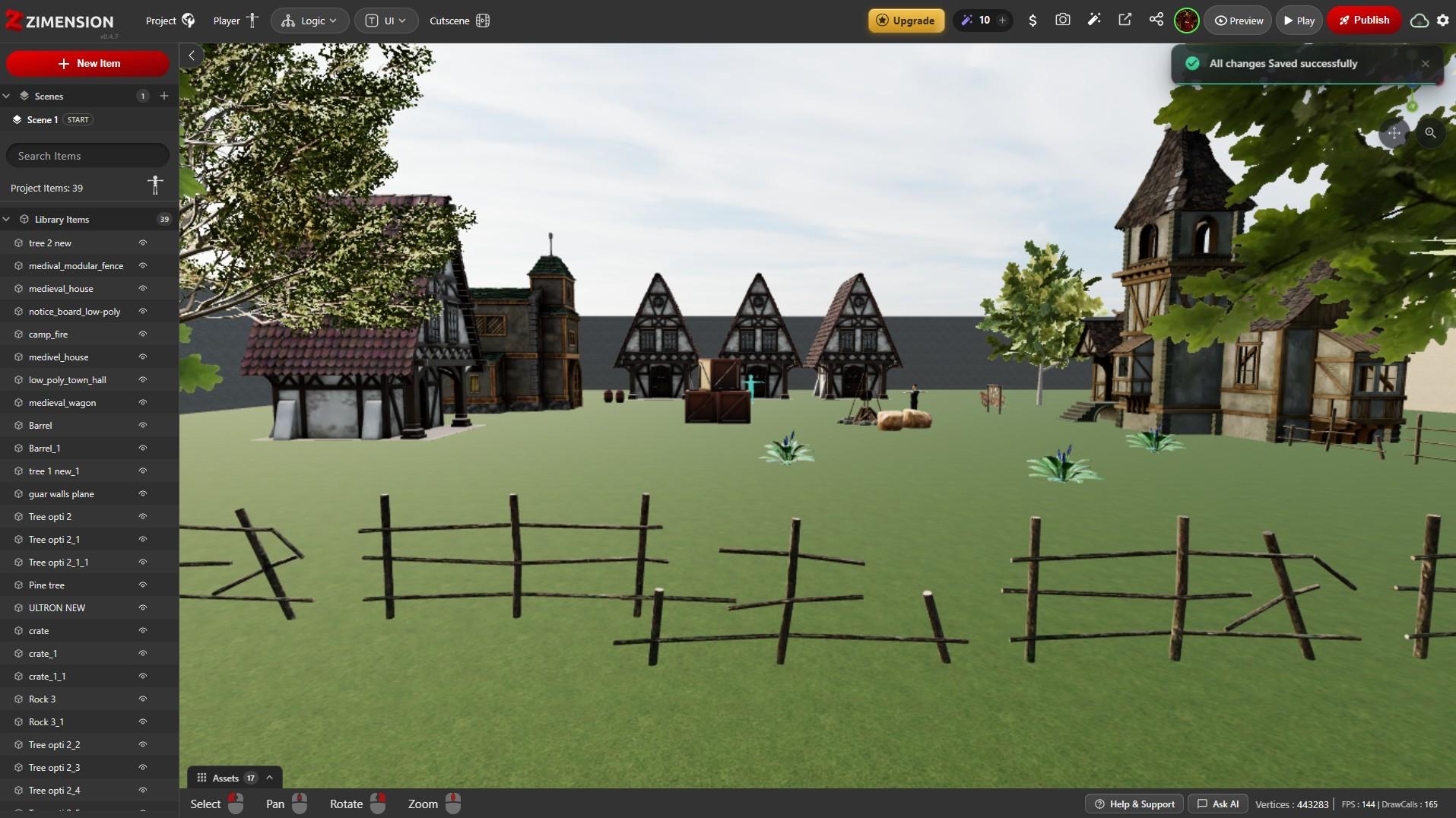
    A medieval village scene being assembled in the Zimension editor, with the item list on the left
  2. 02

    Add Gameplay

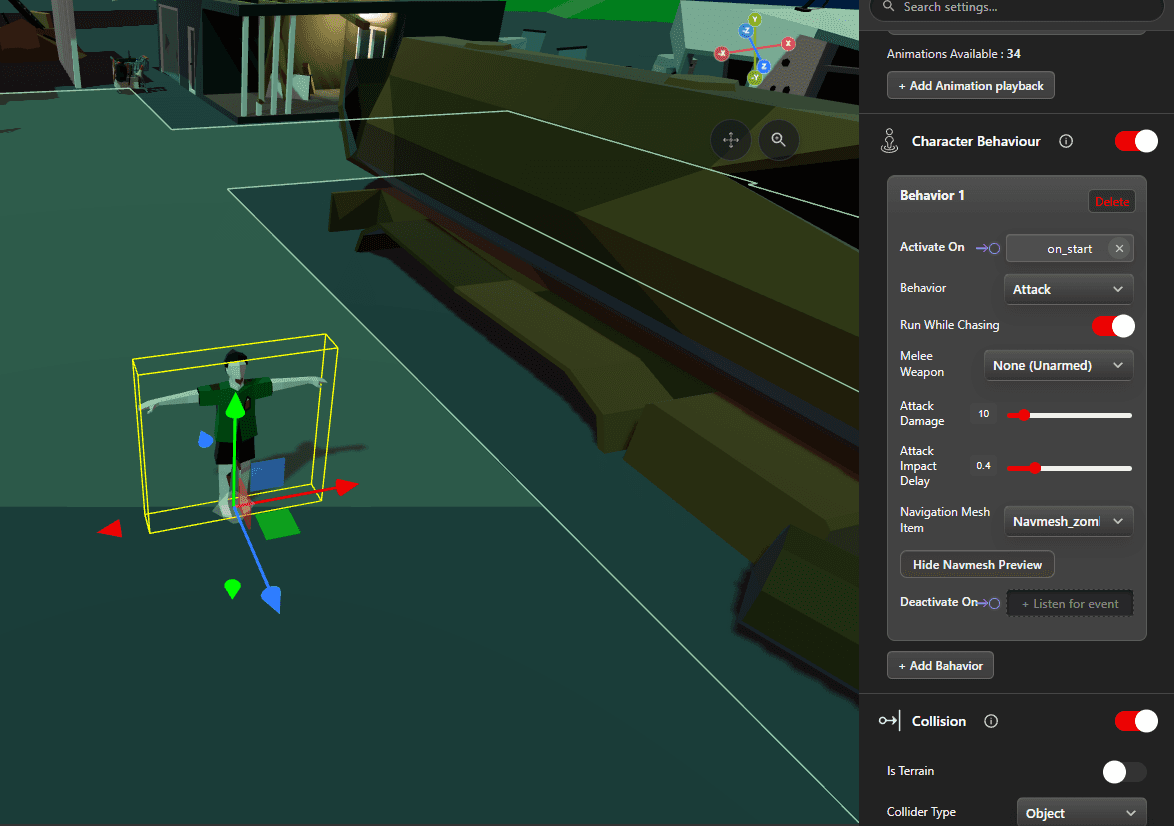
    Add characters, interactions, objectives and systems.
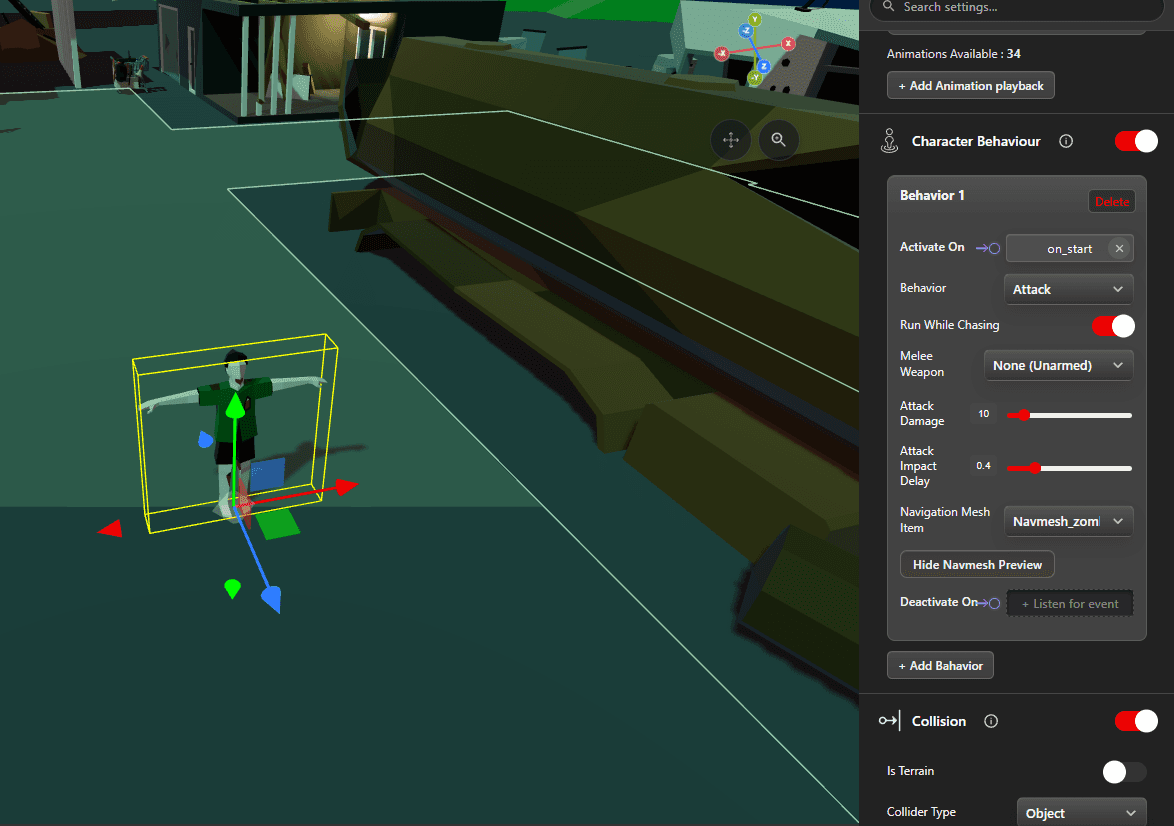
    An enemy character selected in the viewport with its Attack behaviour configured in the inspector
  3. 03

    Create Logic

    Use visual events, variables and conditions without writing code.
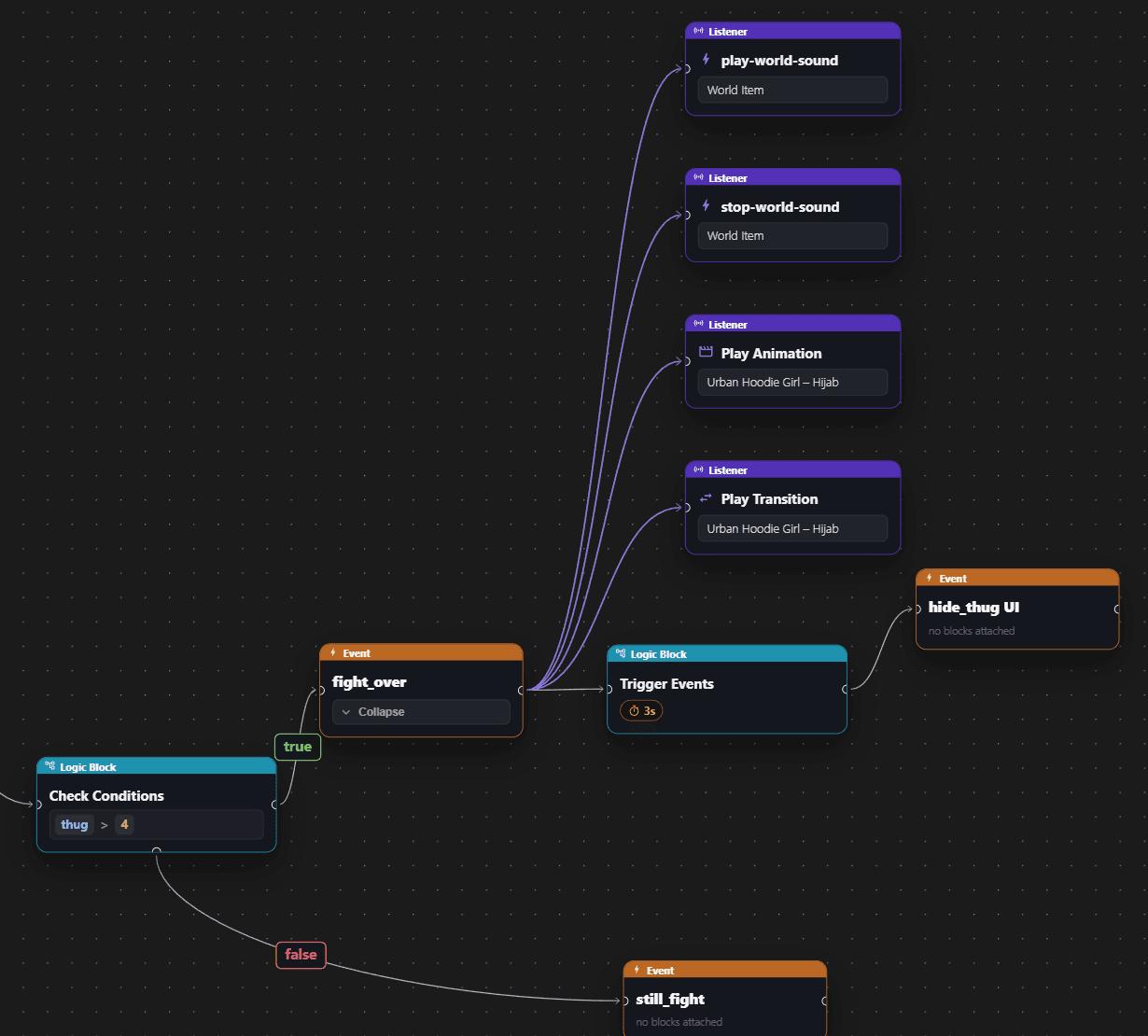
    A visual scripting graph that counts defeated enemies, checks the count and then plays sounds, an animation and a transition
  4. 04

    Publish

    Share through a web link and run across supported devices.
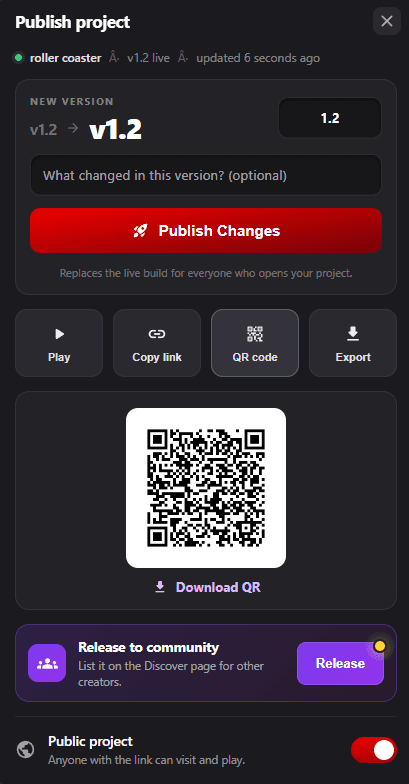
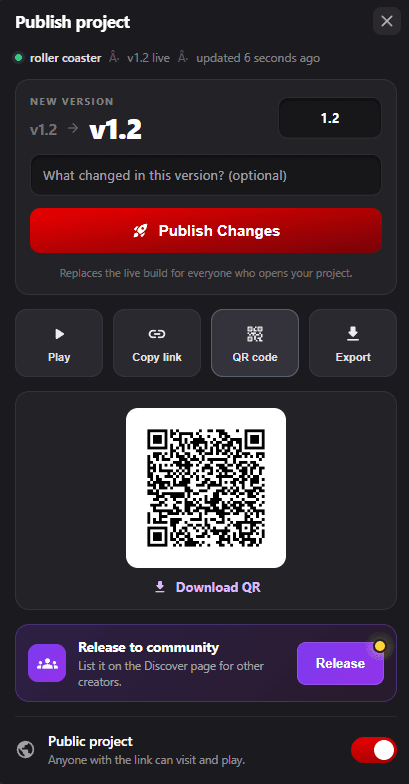
    The Publish panel with version number, Publish Changes button, play link and QR code
Traditional workflow
  1. Install
  2. Configure
  3. Code
  4. Build
  5. Package
  6. Distribute
Zimension workflow
  1. Open Browser
  2. Build Visually
  3. Publish
  4. Share
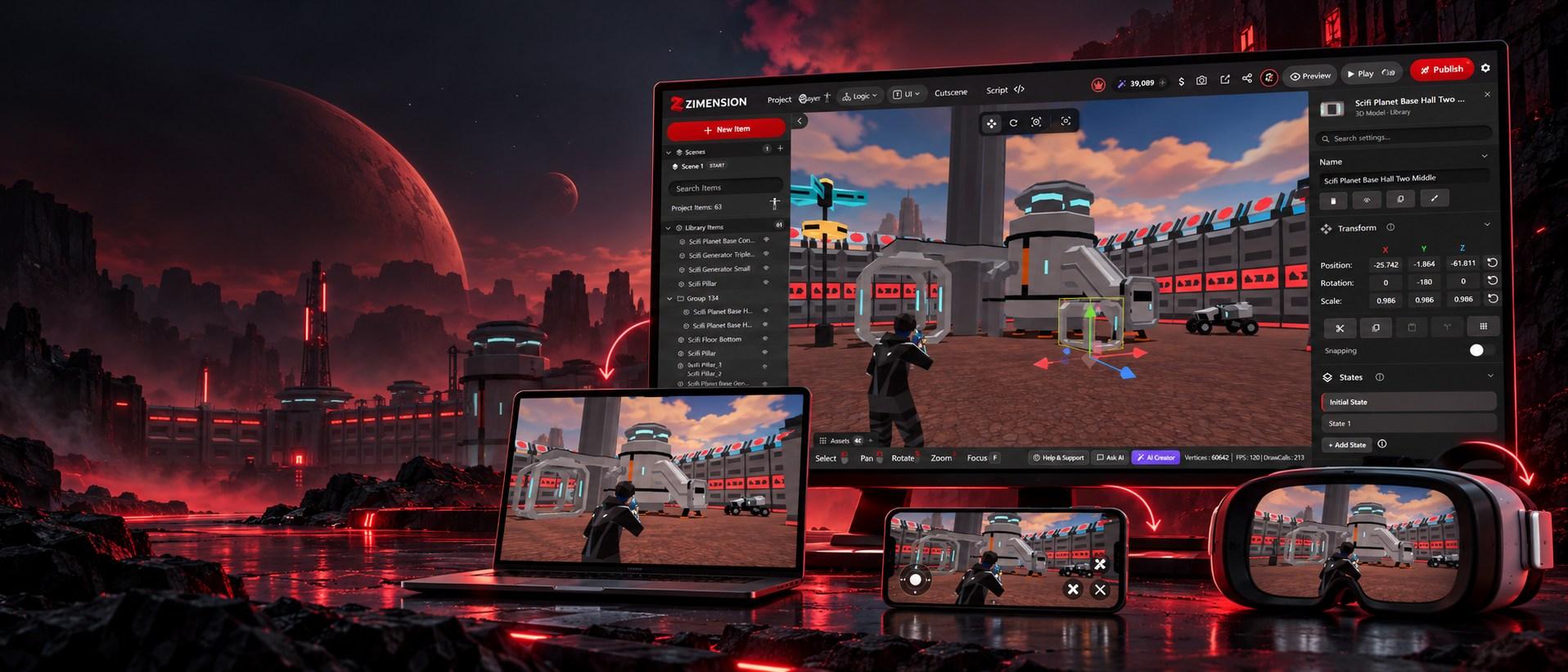
The same Zimension sci-fi game on a monitor running the editor, a laptop, a phone with touch controls and a VR headset

Publish everywhere

Create once. Publish to desktop, mobile and VR.

Build in the browser and deliver to desktop, mobile and VR from a single workflow. Players open a link or scan a QR code, with no app to install.

  • DesktopWindows • macOS • Linux
  • MobileiOS • Android
  • VRMeta Quest • WebXR
Publish Your Project

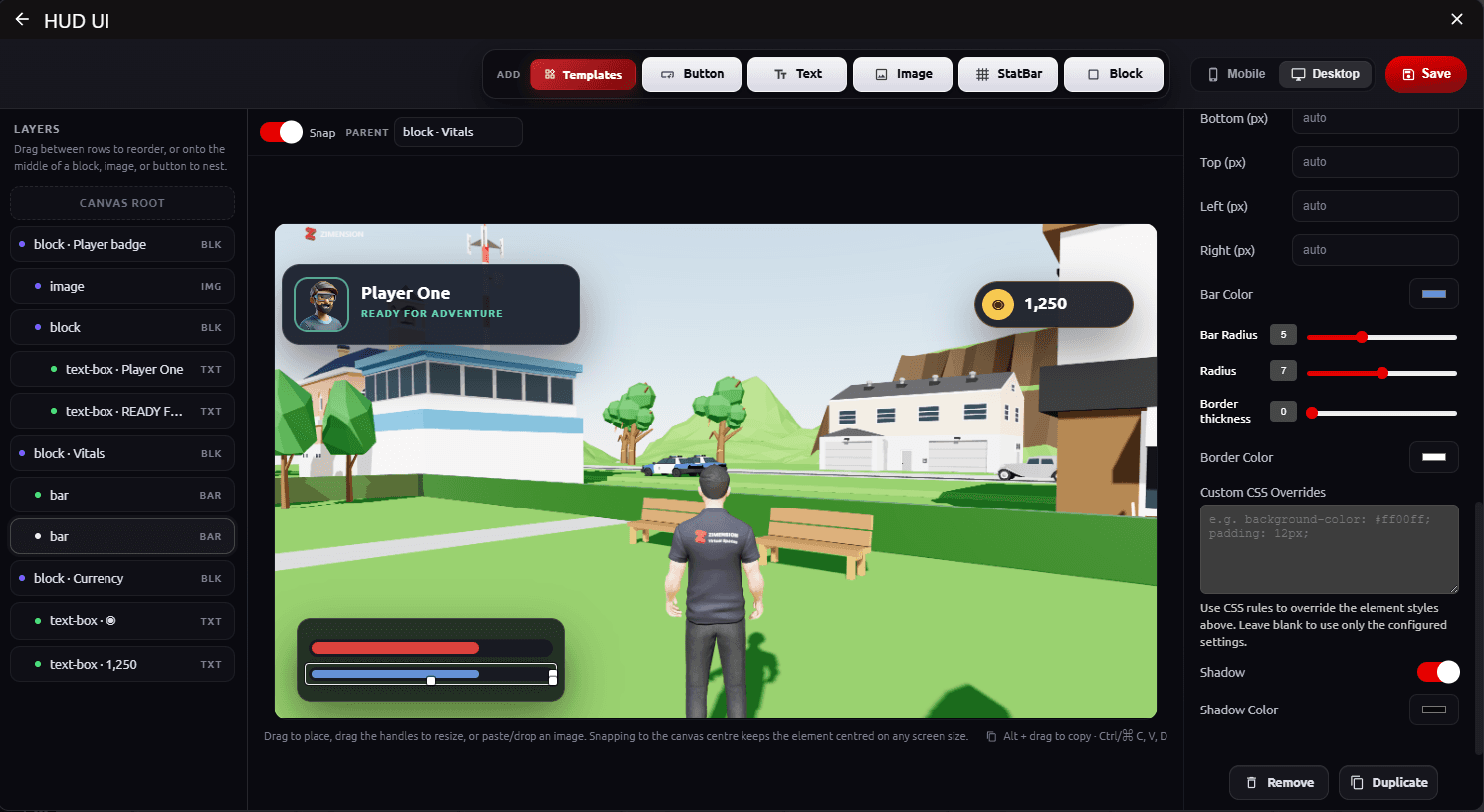
Everything you need to make a scene playable.

Each system is set up in the inspector and connected to the rest of the project with visual events.
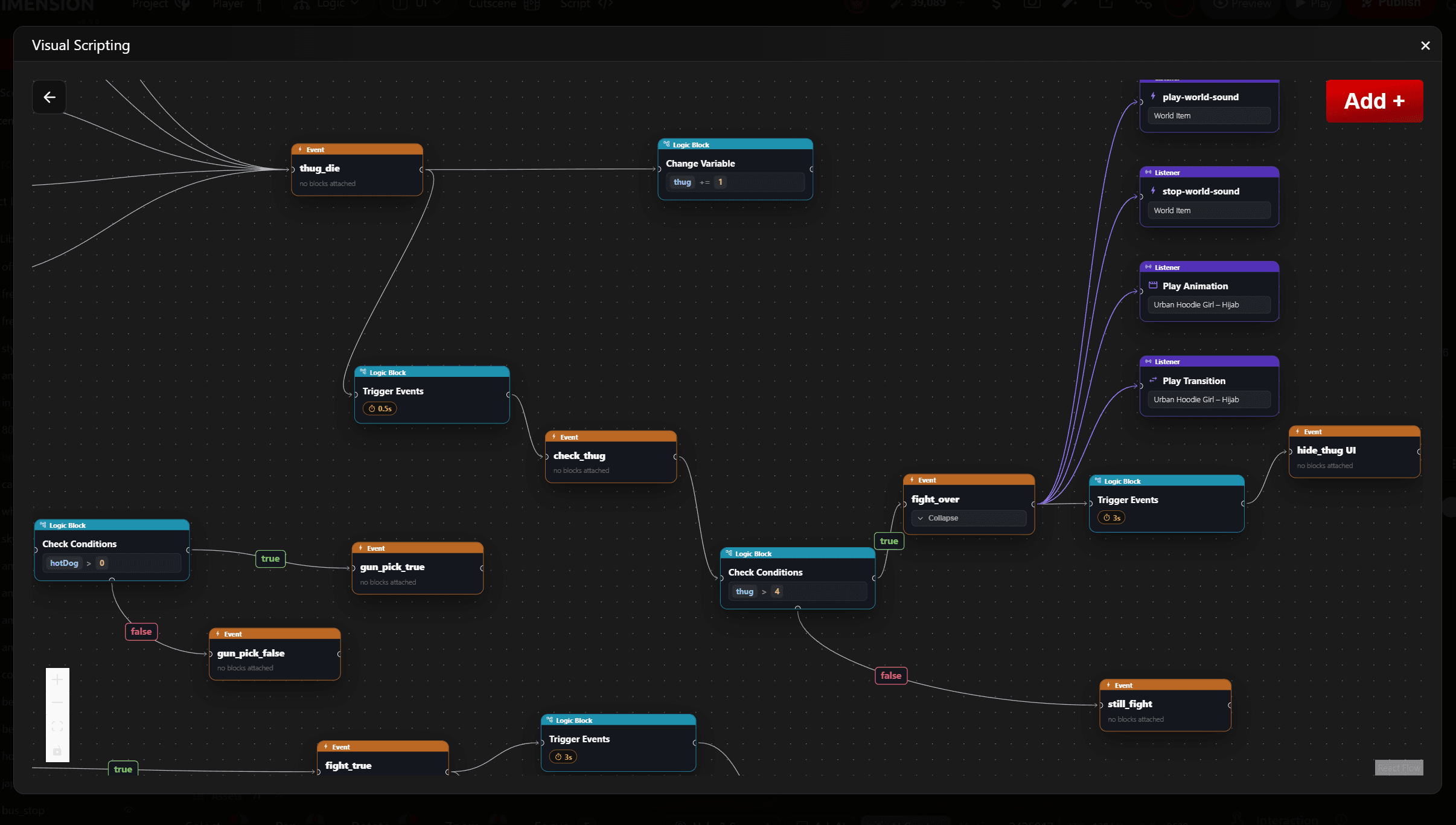
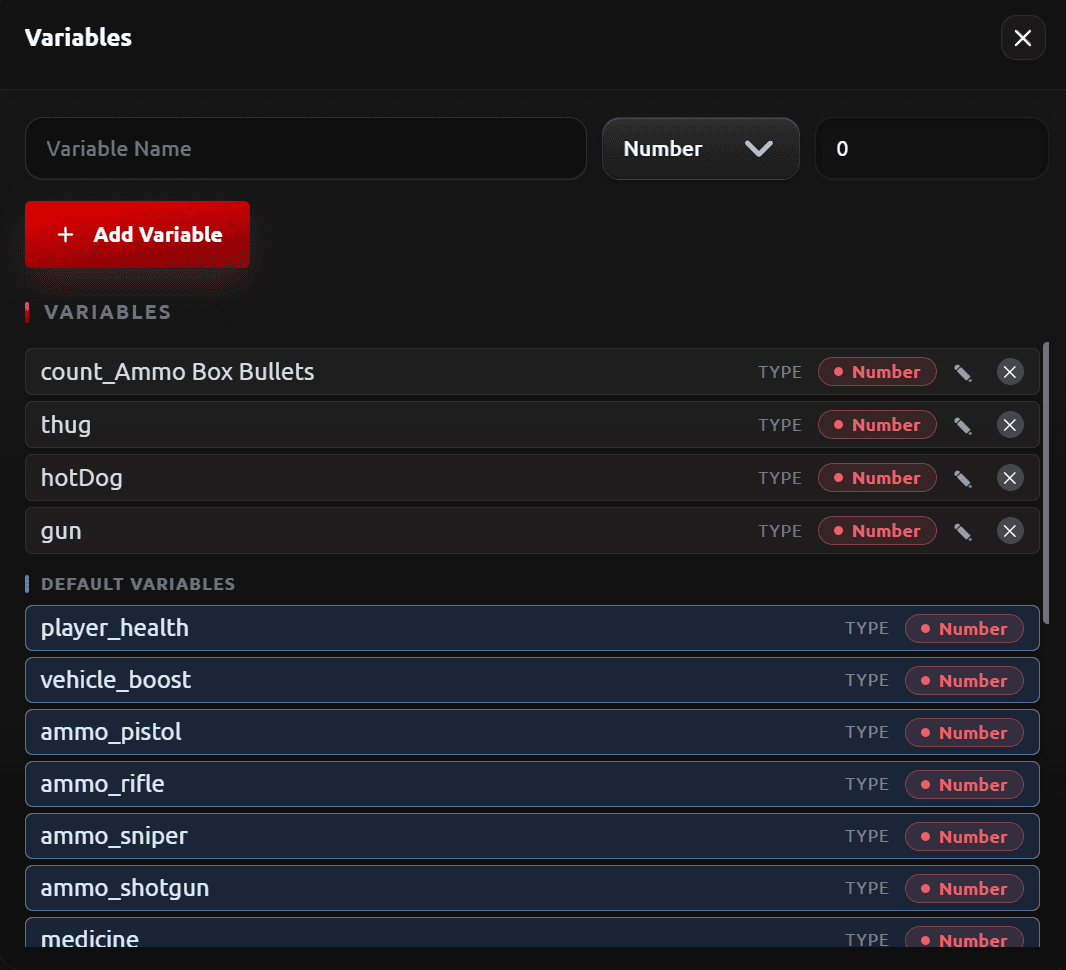
A larger visual scripting graph with events, condition checks branching true and false, timed triggers and listeners

Visual Events

Connect triggers such as interactions, collisions and timers to actions in a node graph. Any item can raise an event or listen for one.

Build the same scene together.

Invite teammates into a project and edit it at the same time, each from their own browser.
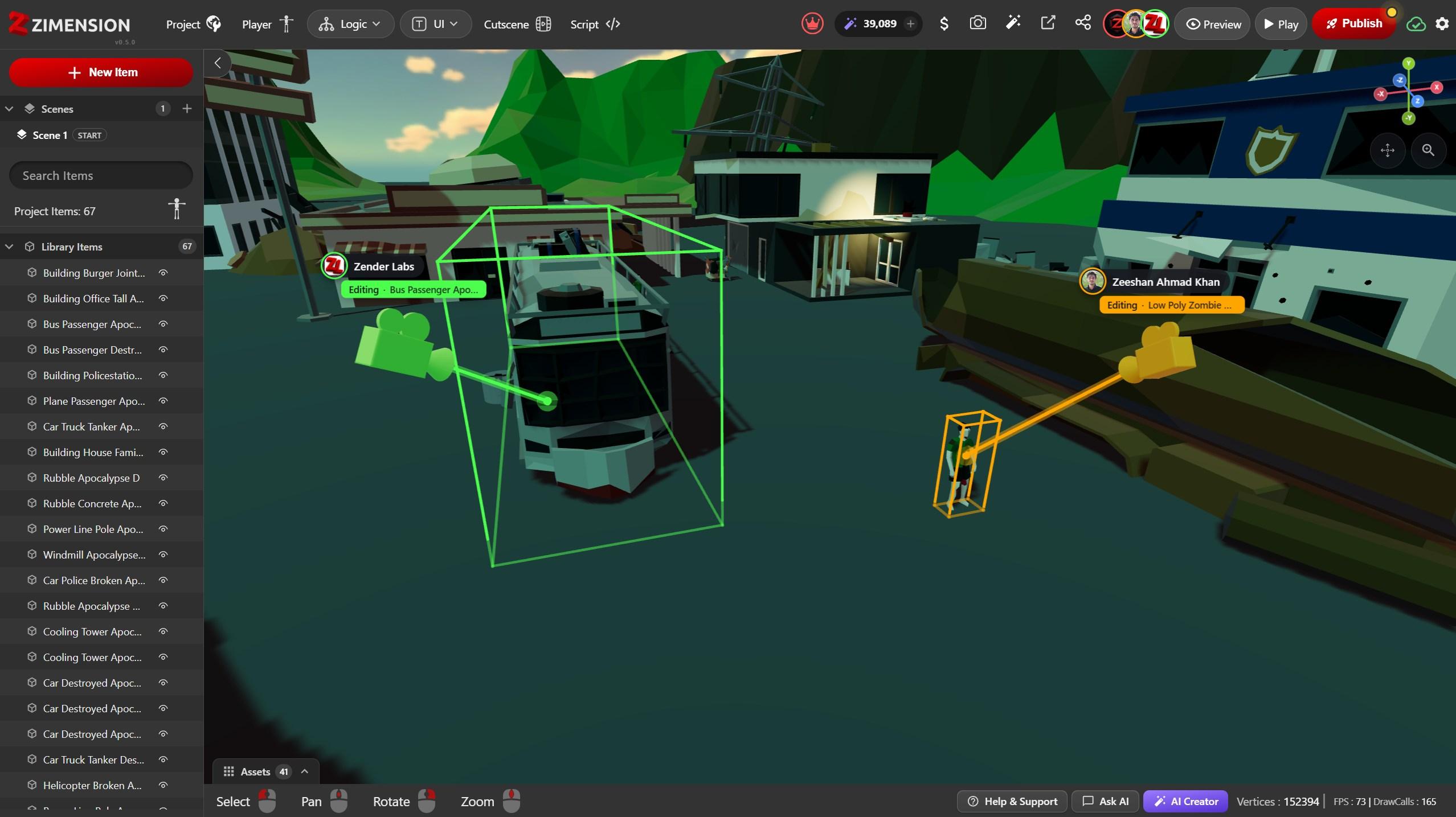
  • See who is in the project, each person shown in their own colour.
  • Follow where others are looking and pointing in the viewport.
  • An item locks while someone edits it, so changes never collide.
  • Saved changes appear for everyone without reloading.
Collaborate3 editing now
Two collaborators in the same scene, each shown with a coloured camera, name label and pointer beam, editing different items that are locked in their colour
×One connected ecosystem.

The model never leaves the project.

Open it in VIZON. Shape it. Save it. Zimension reflects the change automatically, with nothing to export and nothing to import back.

Explore VIZON
Continuous creation

Edit the object.
The project keeps moving.

No more exporting a model, editing it in another tool and importing it back. In the Zimension ecosystem, VIZON edits the same object your project already uses.

  1. Open in VIZON
  2. Refine the model
  3. Save the change
  4. See it update in Zimension

No export. No re-import. Just save.

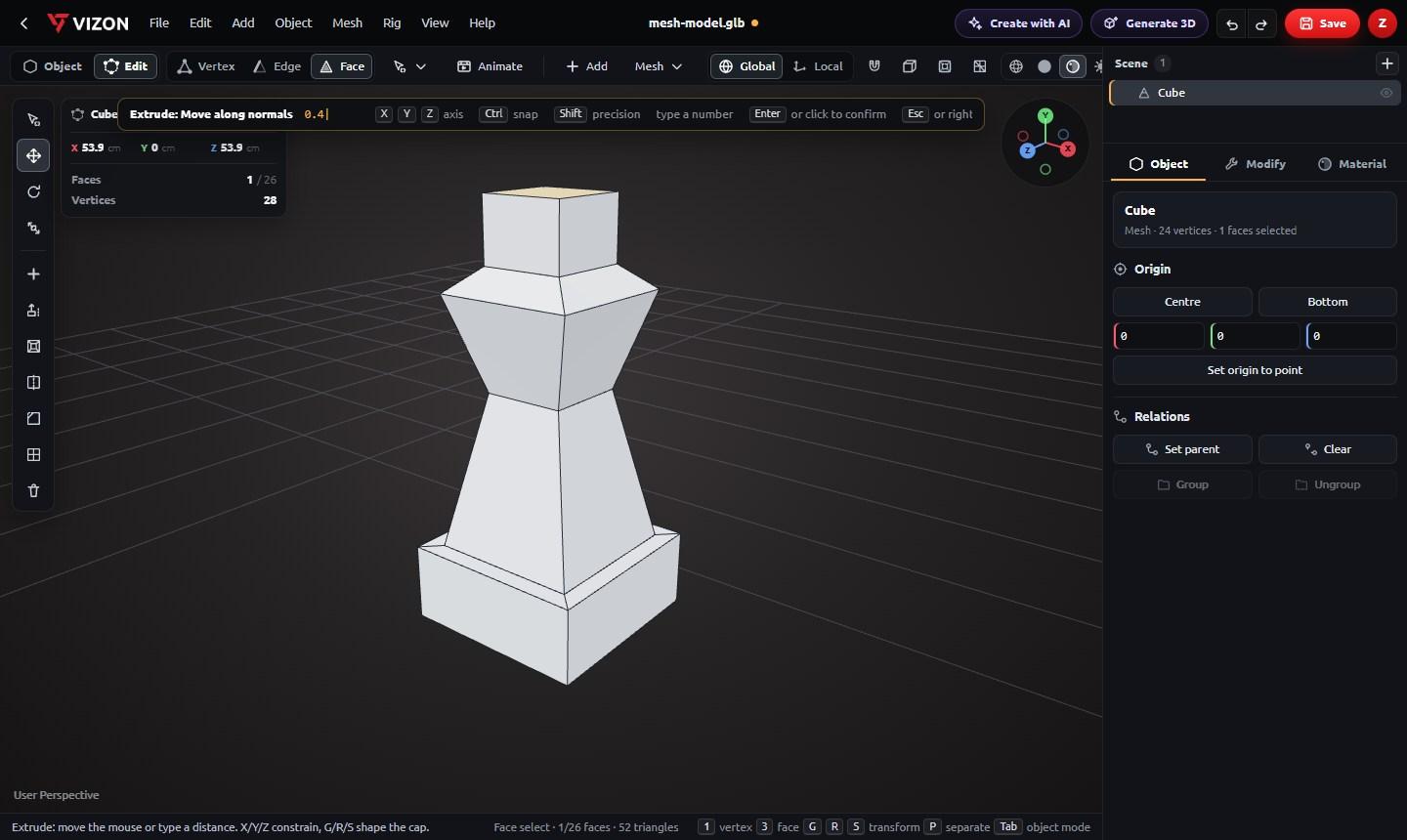
A chess-piece shape being built in VIZON Edit mode from a slab by inset, extrude and scale, with a live Extrude of 0.4 on its top face
Mesh modelingSelect faces, then extrude, inset and scale them into shape, with every step typed or dragged live.
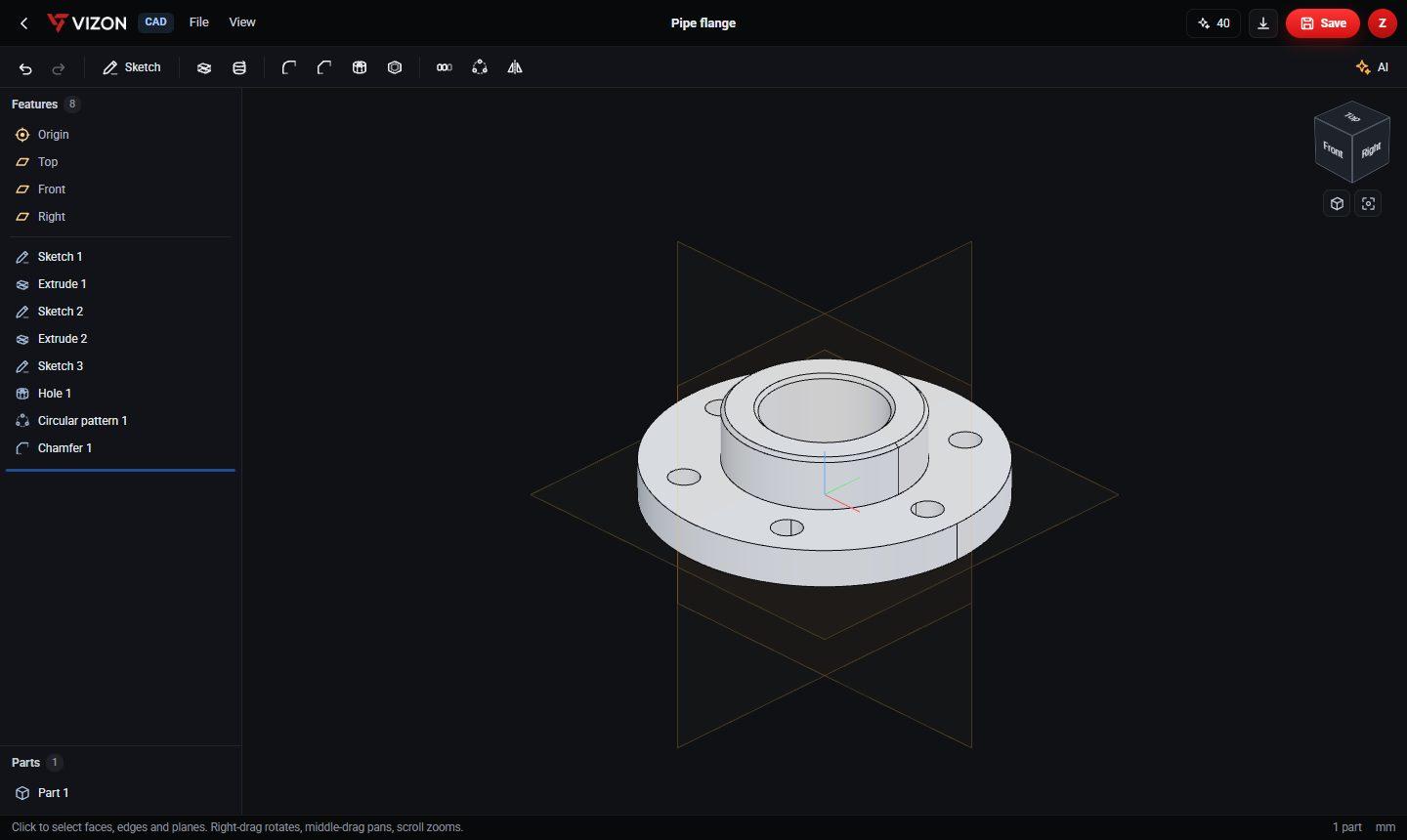
A pipe flange in the VIZON CAD editor with its feature history of sketches, extrudes, a hole and a circular pattern
Parametric CADSketch, extrude, fillet and pattern precise parts with an editable feature history.
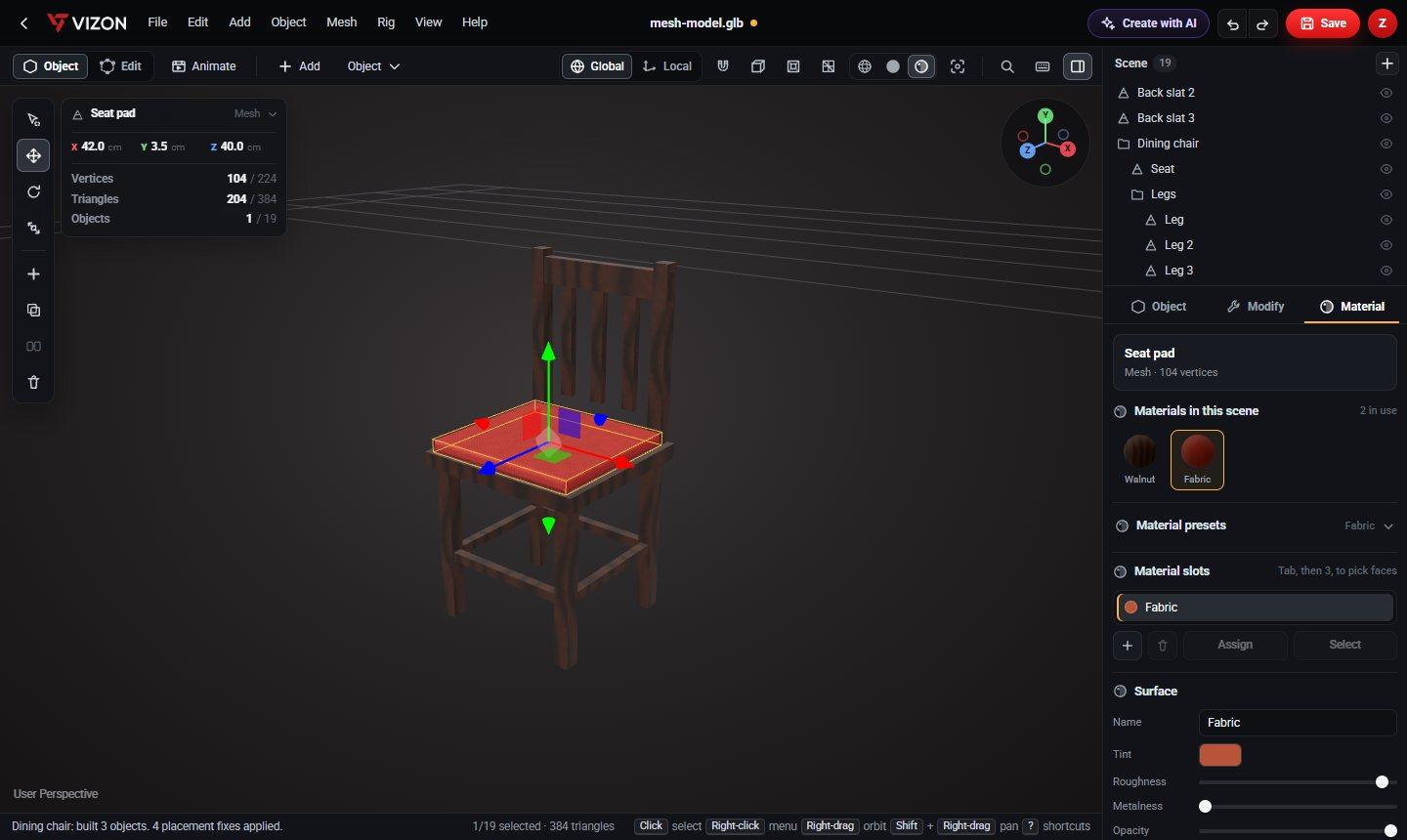
A dining chair in the VIZON modeler with walnut and fabric materials assigned
MaterialsPresets, material slots and surface controls, previewed on the model as you edit.
  • Polygon modeling
  • Parametric CAD
  • Smart UV unwrap
  • Auto-rig
  • Keyframe animation
  • STEP, STL and GLB export
  • Version history
  • Sharing
One file libraryModels you save in VIZON are in your Zimension library, ready to place in a scene.
Edits flow backUpdate a model in VIZON and the Zimension project that uses it picks up the new version, no re-import needed.

AI assistance

AI Assistance When You Need It

Generate assets, dialogue and other building blocks without leaving your project. AI assists the workflow while you remain in control.

Text to 3D

Turn a description into a 3D asset for your scene.
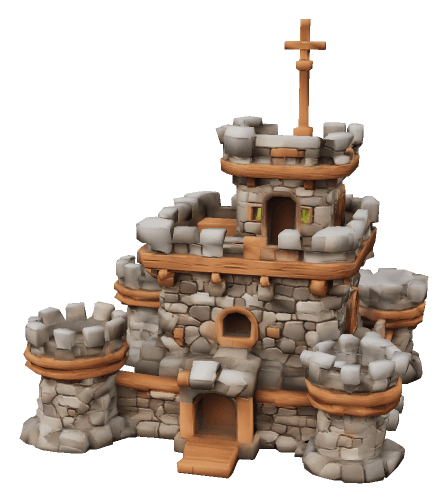
Stylized stone castle with round towers and wooden trim
A stylized stone castle model generated from the text prompt

Image to 3D

Convert an image into a 3D model and bring it into your project.
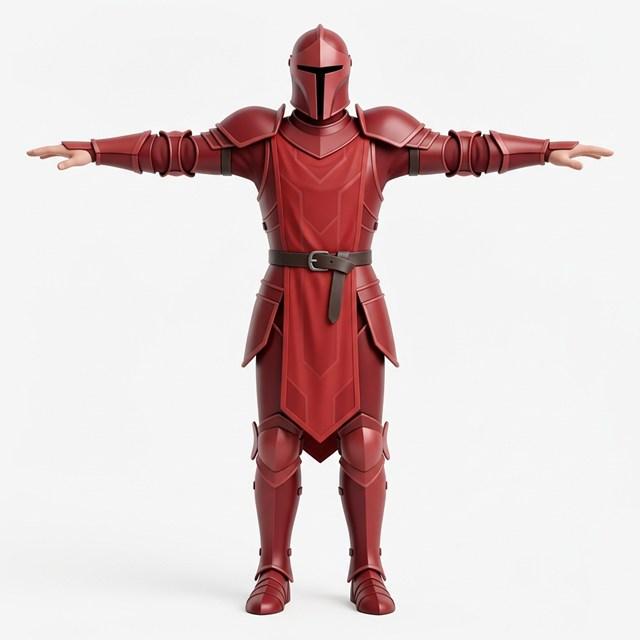
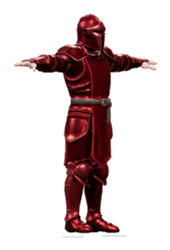
Reference image of a knight in red armourThe 3D knight model Zimension generated from the reference image

AI Dialogues

Generate voiced character lines and play them on any event.
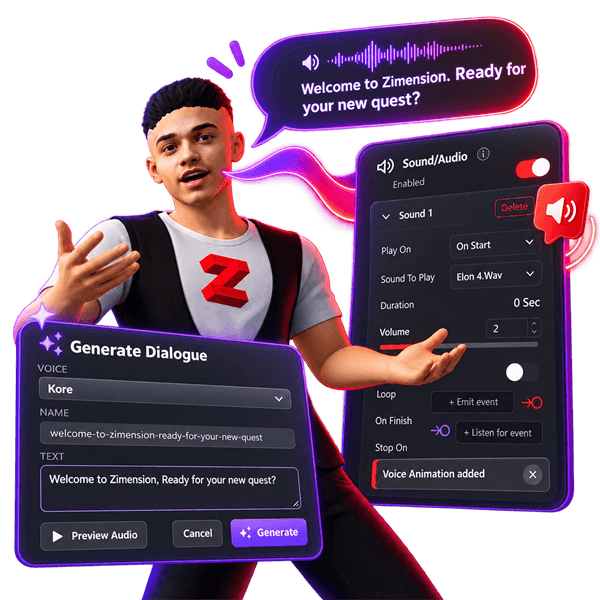
Generate Dialogue creating a voiced line, Welcome to Zimension. Ready for your new quest?, played by a character through the Sound/Audio settings

AI Assistant

Get help and next steps without leaving the editor.

How can I help with your project?
  • Add a health bar
  • Make an enemy patrol
  • Set up a cutscene
  • Publish to mobile
Education

Game creation in the classroom

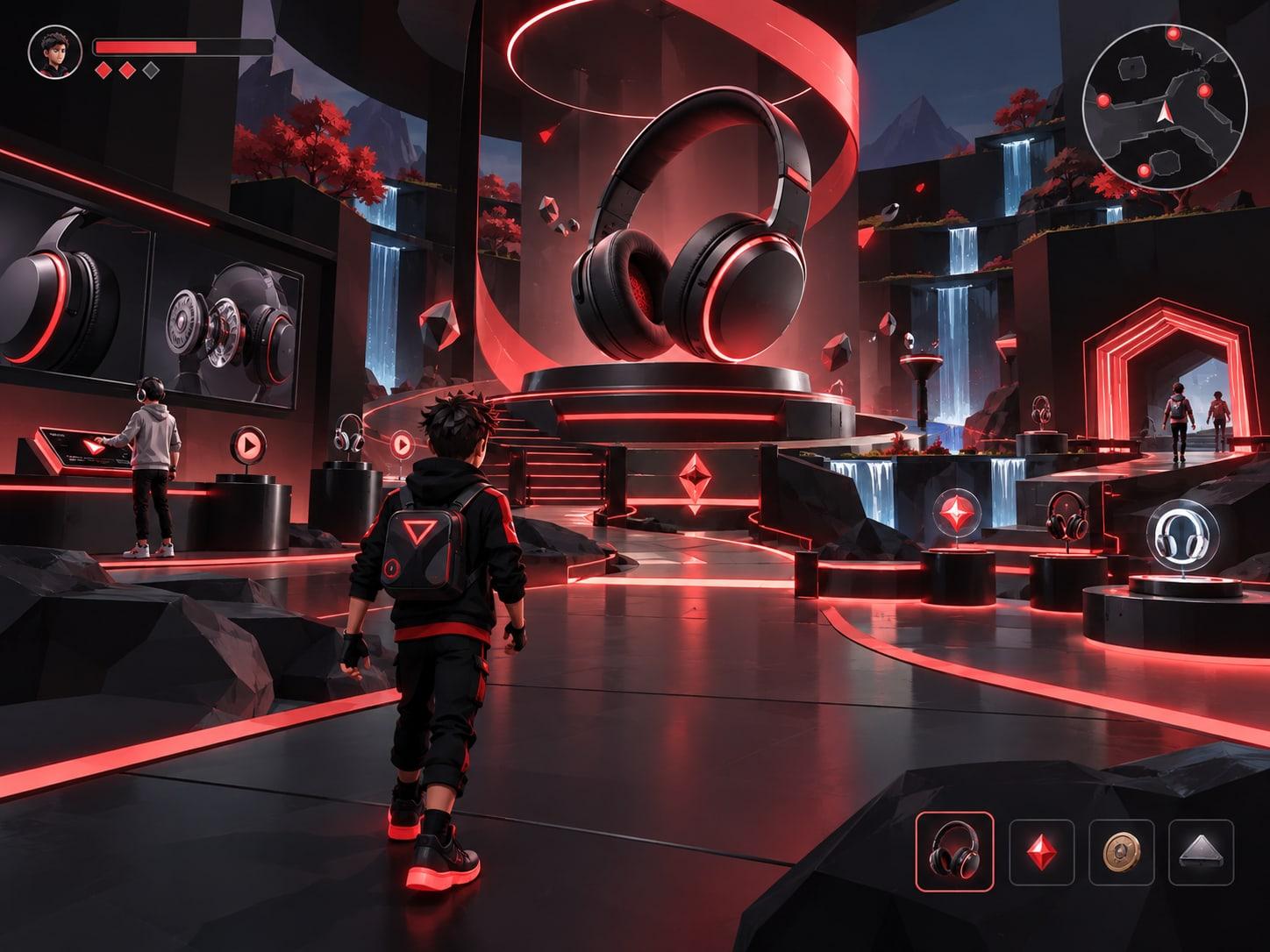
Institute plans with faculty and student management, so students build and publish real projects without lab installs. Hosted or on-premise.

Zimension for Education
Enterprise

Training, simulation and visualization

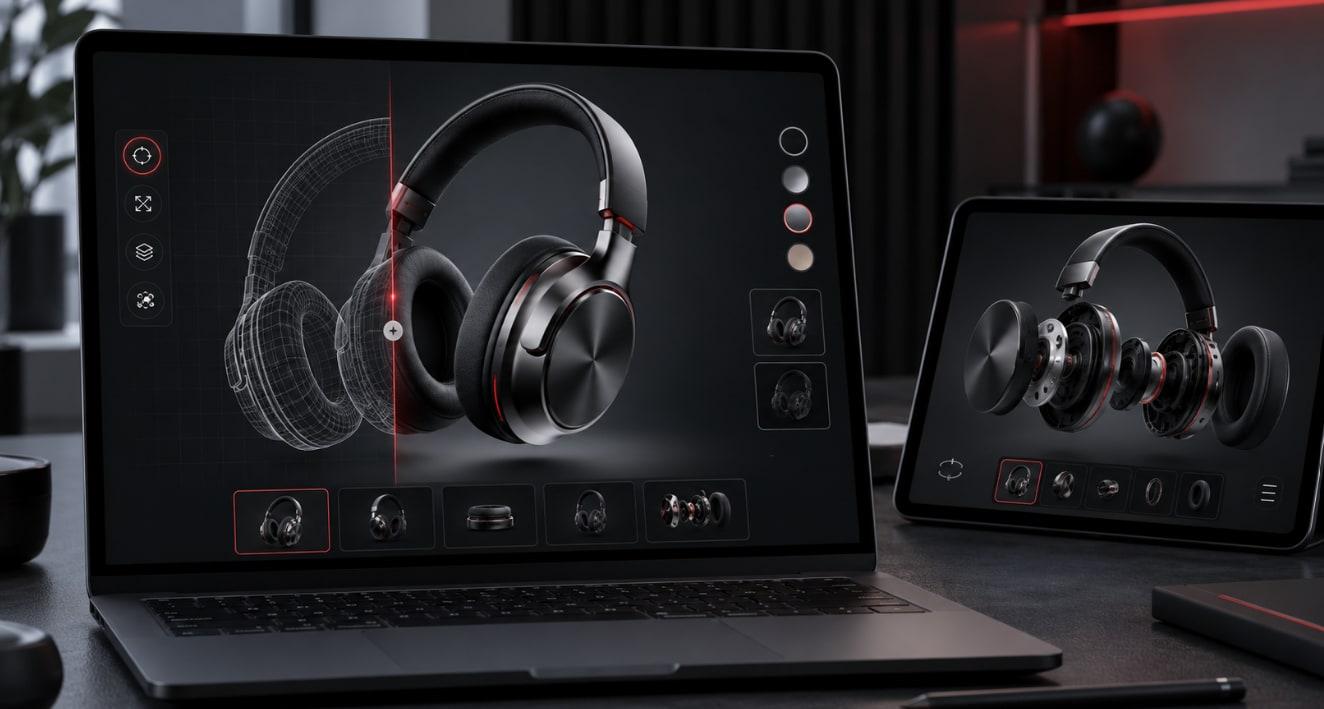
XR training, interactive simulations and product configurators, built by your team and shared as a link to any device.

Zimension for Enterprise


Trusted by teams building real projects

Join the creator community

Share projects, get feedback and take part in game jams with other creators.

Level design

Because Zimension runs in the browser and does not require coding, our team could jump straight into building levels for Out of the Trap instead of wasting time on technical setup.

Agastya DabasGame designer, Out of the Trap!
Game development

Using Zimension for Rustbound felt liberating. It was hassle-free, and it was surprisingly easy to bring my ideas into the project because almost everything I wanted to do was just a click away.

AyushGame developer, Rustbound
3D art

Coming from a background where tools like Unity usually expect scripting knowledge and asset-import workflows, Zimension felt much more open.

Navya Raina3D artist

Build scenes, gameplay and logic directly in your browser.

Zimension AI

Docs assistant

How can I help?

Ask anything about Zimension docs

AI may make mistakes. Always verify with official docs.