Zimension Docs

Adding Items

Adding Items to a Project

Items are the building blocks of your game. Click New Item in the editor to open the Add Items panel.
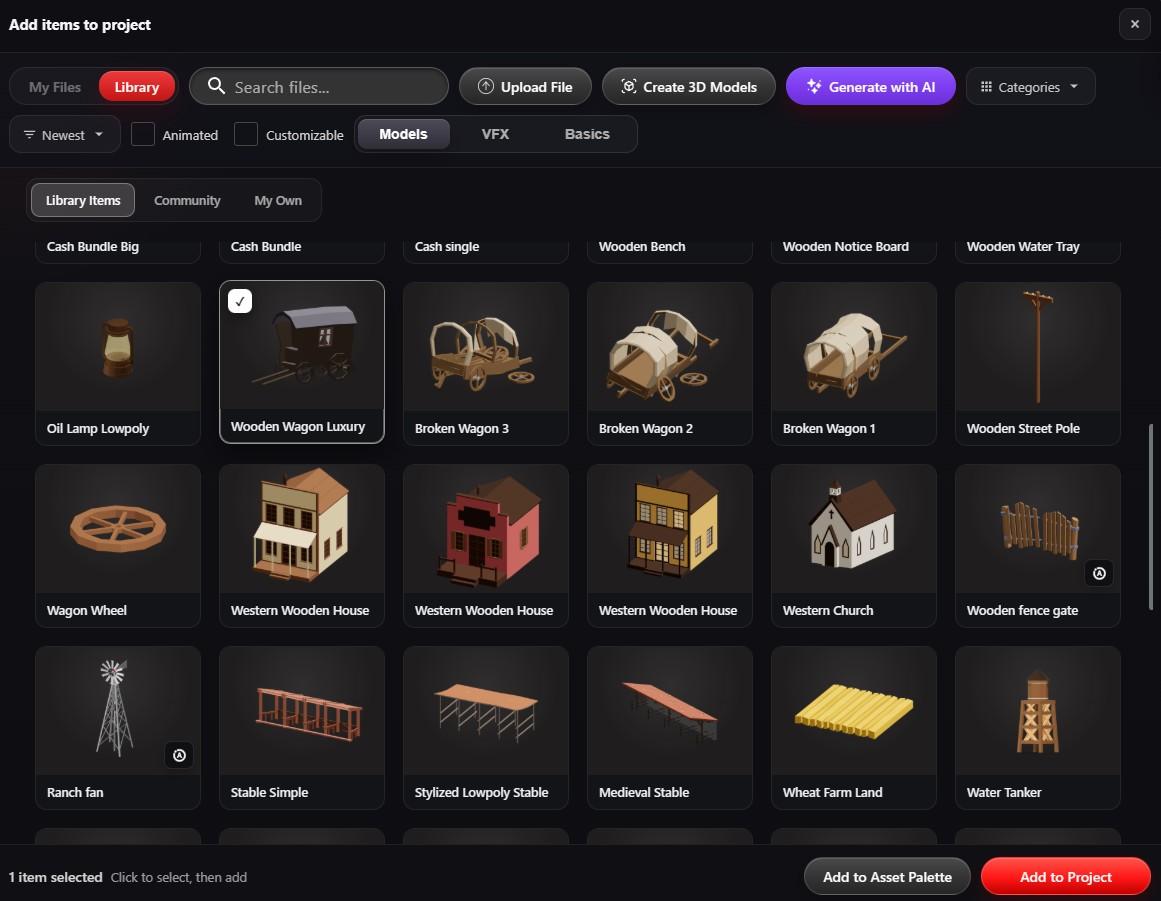
Current Add items to project panel

Item Sources

  • Library - Official assets, community items, your saved items
  • My Files - Your uploaded files
  • Upload File - Add custom assets
  • Generate with AI - AI-generated items
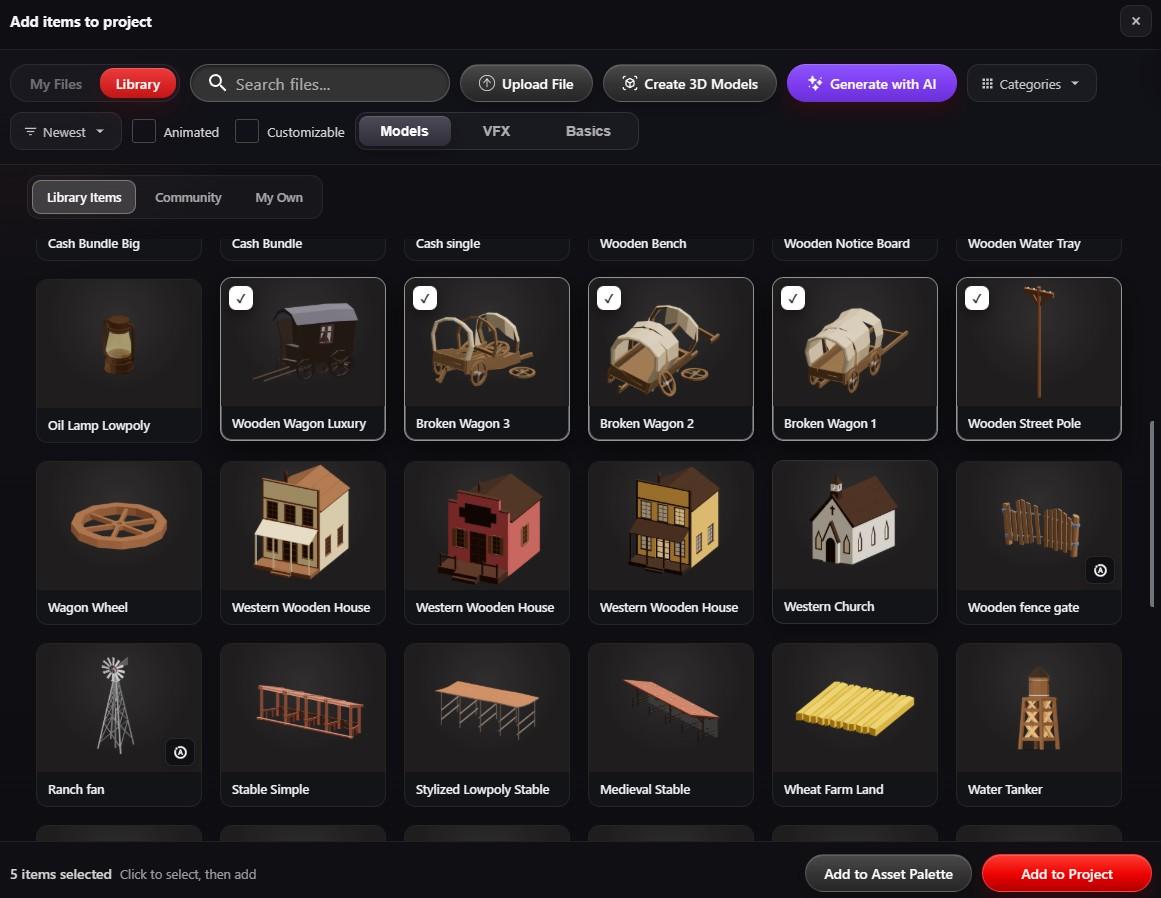
Add items to project panel with several items ticked
Click several thumbnails to select them together, then use Add to Project to place them in one go. The count shows at the bottom left.

Video Tutorial

Ep. 4: Adding Items from the Library & Uploading Your Own Files
Ep. 22: Creating Item Instances & Smart Distribution

Zimension AI

Docs assistant

How can I help?

Ask anything about Zimension docs

AI may make mistakes. Always verify with official docs.