

CtrlK
Shadows & Optimization
Shadows (Item-Level)
Control how individual items interact with the shadow system.
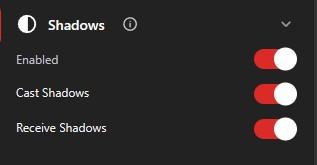
Cast Shadows
- Enable or disable shadow casting from this item
- Disable for performance on complex items
Receive Shadows
- Enable or disable receiving shadows from other objects
- Affects visual realism
Model Optimization (LOD)
Level of Detail (LOD) settings improve performance on low-end devices by reducing model detail at distance.
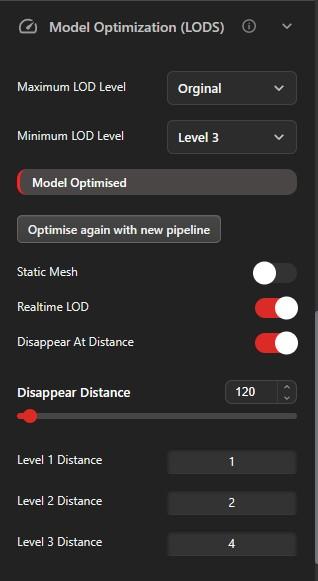
Maximum LOD Level
- Highest detail level when close to the camera
- Higher values = more detail, more resource use
Minimum LOD Level
- Lowest detail level when far from the camera
- Lower values = less detail, better performance
Static Mesh Optimization
- Enable for static objects that don't animate
- Improves performance by batching static geometry